
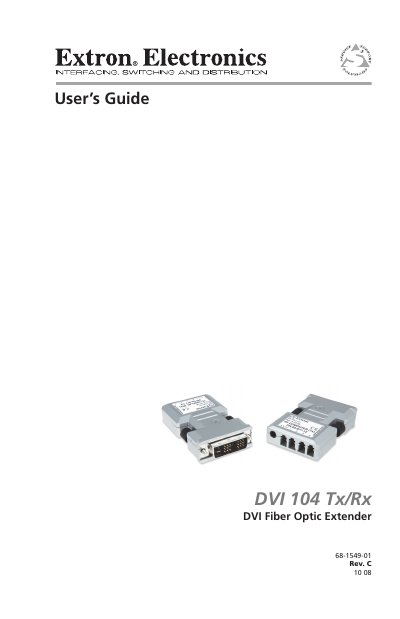
The guide begins with safety precautions, warning symbols, and handling instructions to prevent electric shock and damage. It explains the purpose of the DVI 104 Tx/Rx as a fiber‑optic extender that carries DVI video up to 1,640' (500 m) and lists its key features such as separate power supplies, LED status indicators, and EDID Minder.
Installation and operation sections detail how to connect power, attach the four LC fiber cables, configure the EDID Minder, and mount the units. The specifications chapter lists performance data, power requirements, and environmental limits. The document ends with warranty information for Extron Electronics.
| Operating Distance | Up to 1,640' (500 m) |
|---|---|
| Maximum Data Rate | 4.95 Gbps (1.65 Gbps per color) |
| Resolution Range | Up to 1920 × 1200 or 1080p at 60 Hz |
| Power Input | 5 VDC, 0.1 A (external or from DVI pin 14) |
| General Power Source | External supply or source device’s 5 VDC on pin 14 |
| Storage Temperature Range | -40 °C to +70 °C (-40 °F to +158 °F) |
| Operating Temperature Range | 0 °C to +50 °C (32 °F to 122 °F) |
Yes, if the source device provides 5 VDC on pin 14 of its DVI output, the transmitter can be powered from the source; otherwise an external power supply is required.
The system uses four multimode fiber‑optic cables that must be either 62.5/125 µm or 50/125 µm multimode cable.