
Jabra cruiser is a Bluetooth in-car speakerphone equipped with dual microphone technology. It eliminates background noise, improves call quality, and has features such as voice announcements and multi-device connectivity.
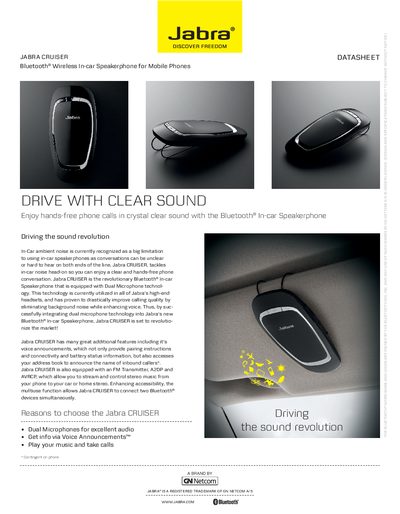
The Jabra Cruiser is a Bluetooth® in‑car speakerphone designed for clear, hands‑free calls and music streaming while driving. It uses dual‑microphone technology to reduce background noise and includes voice announcements, FM transmission, and the ability to connect two devices simultaneously.
This guide covers charging, powering on/off, pairing with a phone, using the FM transmitter, and operating the speakerphone’s buttons. It also lists the main specifications such as talk time, standby time, weight, dimensions, and Bluetooth version.
| Microphone technology | Dual microphones for optimized noise and echo cancellation |
|---|---|
| Talk time | Up to 14 hours |
| Standby time | Up to 13 days |
| Weight | 85 g |
| Dimensions | L 127 mm × W 62 mm × H 17 mm |
| FM transmitter | Streams calls and music to car stereo |
| Multi‑device support | Connect up to 2 Bluetooth devices simultaneously |
Turn the speakerphone on, press and hold the answer/end button for about 5 seconds until the connection status icon flashes rapidly and “pairing mode” is announced, then select Jabra Cruiser on your phone and confirm PIN 0000.
Insert the charger; when the battery is fully charged the battery status icon turns green.
Tap the FM button to enter FM mode; the FM status icon turns solid red and a frequency is announced. Set your car radio to the same frequency to transmit calls or music.
The device provides up to 14 hours of talk time and up to 13 days of standby time.