
Key facts
- Manuals
- 44
- Models
- 9
- Languages
- ES · EN · ZH · PT · RU
- Last added
- 2026-10-29
Jensen models by category
Featured Jensen manuals
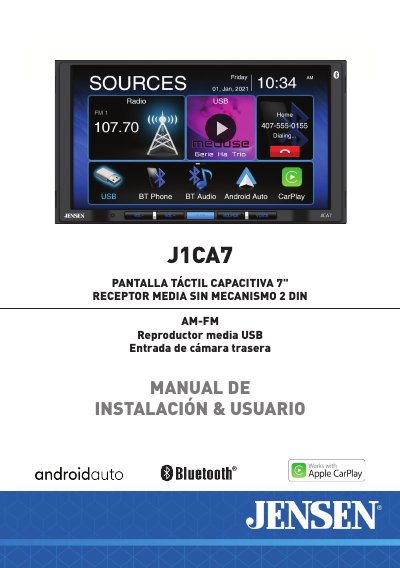
Jensen J1CA7 7" Touch Screen Media Receiver Installation and User Manual
This document serves as the installation and user manual for the Jensen J1CA7, a 7-inch capacitive touch screen media receiver designed for 2 DIN vehicles. It covers essential safety warnings, including FCC compliance and specific instructions for installing the parking brake detection system to prevent driver distraction while driving. The guide emphasizes that video playback is only permitted when the vehicle is stationary and the parking brake is engaged. This manual is written in Spanish.
Covers: Safety Warnings · FCC Compliance · Installation Preparation · Wiring Diagram · Control Locations · AM/FM Tuner Operation

Jensen JiMS-70i Docking Digital Clock Radio User Manual
This manual provides instructions for the Jensen JiMS-70i Docking Digital Clock Radio, an iPod and iPhone compatible music system. It details the location of controls on the top and rear views of the unit, including buttons for volume, alarm settings, and time synchronization.
The guide covers essential setup procedures such as installing batteries for clock memory and connecting the AC adaptor. It also explains how to set the time manually or synchronize it with a docked iPod/iPhone, and describes the various features like the dual alarm clock, sleep timer, and FM digital tuner with 20 presets.
Covers: Important Safety Instructions · Important Notes · Product Features · Location of Controls · Getting Started · Battery Care
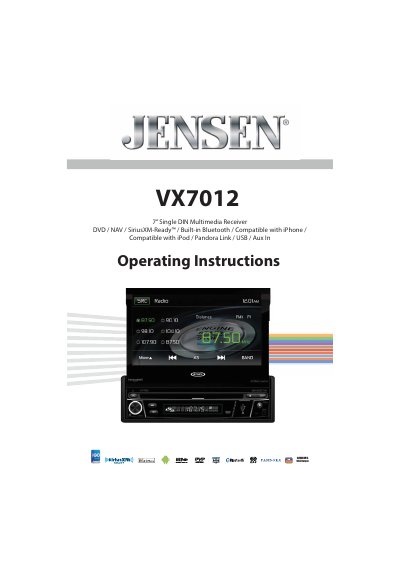
Jensen VX7012 Multimedia Receiver Operating Instructions
This document provides the operating instructions for the Jensen VX7012, a 7-inch single DIN multimedia receiver. It covers features such as DVD playback, radio tuning, USB and iPod/iPhone connectivity, Bluetooth streaming, and navigation. The manual includes detailed sections on controls, indicators, remote control usage, and operation of external devices like rear cameras and steering wheel controls.
The guide also includes a quick start guide, instructions for specific functions like the equalizer and system settings, and care and maintenance advice. Technical specifications for the DVD/CD player, radio tuner, and amplifier are listed at the end of the manual.
Covers: Features · Controls and Indicators · Remote Control · Using the TFT Monitor · External Devices · Quick Start Guide
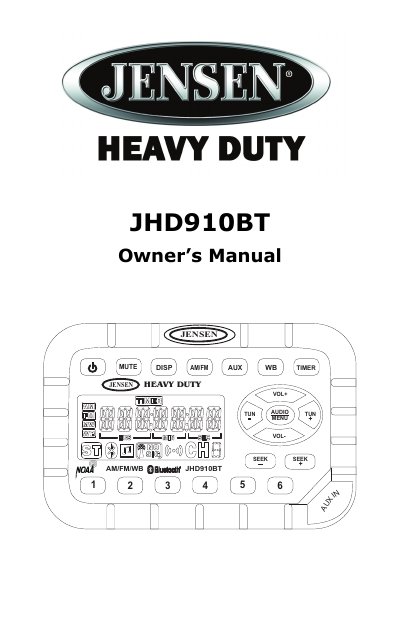
Jensen JHD910BT Car Audio Owner's Manual
The Jensen JHD910BT is a heavy-duty mobile audio system featuring a US/Euro AM/FM tuner, a 7-channel NOAA Weather Band receiver, Bluetooth connectivity, and an auxiliary audio input. Key features include waterproof and corrosion-resistant construction, a daylight-readable backlit display, and a work timer function.
Covers: Installation · Wiring · Basic Operation · Tuner Operation · Bluetooth Operation · Weather Band Operation
Latest Jensen manuals
Jensen J1CA7 7" Touch Screen Media Receiver Installation and User Manual
User Manual 27 pages · 3 MB · ESInstallation and user guide for the Jensen J1CA7 7-inch touch screen media receiver featuring AM/FM, USB, rear camera input, and Apple CarPlay/Android Auto.
Jensen JiMS-70i Docking Digital Clock Radio User Manual
User Manual 16 pages · 324 KB · ENUser manual for the Jensen JiMS-70i Docking Digital Clock Radio, covering setup, operation, iPod/iPhone docking, and alarm functions.
Jensen VX7012 Multimedia Receiver Operating Instructions
User Manual 100 pages · 1.5 MB · ENOperating instructions for the Jensen VX7012 7-inch single DIN multimedia receiver featuring DVD playback, navigation, Bluetooth, and iPod/iPhone compatibility.
Jensen JHD910BT Car Audio Owner's Manual
User Manual 16 pages · 1.9 MB · ENThis manual provides installation, wiring, and operation instructions for the Jensen JHD910BT waterproof mobile audio system with Bluetooth and Weather Band.
Jensen JHD36A Heavy Duty Radio Installation and Operation Manual
User Manual 22 pages · 1.6 MB · ENInstallation and operation guide for the Jensen JHD36A heavy duty mobile audio system featuring AM/FM, SiriusXM, USB, iPod, and Bluetooth capabilities.
Jensen JHD1130WP Heavy Duty Radio Installation and Operation Manual
User Manual 13 pages · 1.1 MB · ENInstallation and operation guide for the Jensen JHD1130WP heavy duty mobile radio featuring AM/FM, Weatherband, and auxiliary input.
Jensen JHD12 Car Audio Installation and Operation Manual
User Manual 18 pages · 1.3 MB · ENInstallation and operation guide for Jensen JHD12 car radio with AM/FM, Bluetooth, and weatherband tuning.
Jensen JHD40BTBRP Heavy Duty Audio System Installation Manual
Installation Guide 17 pages · 1.3 MB · ENInstallation and operation guide for Jensen's JHD40BTBRP heavy duty audio system with Bluetooth, USB, and AM/FM tuner.
Jensen JHD1000 Mobile Audio System User Manual
User Manual 6 pages · 438 KB · ENThis user manual provides installation, configuration, and operation instructions for the Jensen JHD1000 mobile audio system, including wiring diagrams and…
Jensen JHD916BT Heavy Duty Radio User Manual
User Manual 20 pages · 1.7 MB · ZHUser manual for Jensen JHD916BT heavy duty radio covering installation, operation, maintenance, and troubleshooting.
Jensen JHD1635BT Heavy Duty Radio Installation and Operation Manual
User Manual 22 pages · 1.7 MB · ENInstallation and operation guide for the Jensen JHD1635BT heavy duty mobile audio system, covering wiring, setup, and usage of tuner, USB, Bluetooth, and…
Jensen JHD40BT Heavy Duty Audio System Installation and Operation Manual
User Manual 44 pages · 1.6 MB · ENThis manual provides installation, wiring, and operation instructions for the Jensen JHD40BT heavy duty audio system, covering features like Bluetooth, USB…
Jensen JHD36A Heavy Duty Radio Installation and Operation Manual
User Manual 22 pages · 1.5 MB · ENInstallation and operation guide for Jensen JHD36A heavy duty car radio with AM/FM, Bluetooth, USB, and SiriusXM support.
Jensen JHD1620 Car Audio Installation and Operation Manual
User Manual 18 pages · 513 KB · ENInstallation and operation guide for Jensen JHD1620 car audio system with AM/FM, Sirius, and iPod compatibility.
Jensen JHD62 Heavy Duty Radio Installation and Operation Manual
User Manual 20 pages · 950 KB · ENInstallation and operation manual for the Jensen JHD62 heavy duty mobile radio supporting AM/FM, DAB+, Bluetooth, and USB.
Which document do I need?
User Manual
Day-to-day operation, settings and troubleshooting. Start here if the product is already set up.
Installation Guide
Mounting, wiring and first power-up. Read it before the hardware goes in.
Questions answered in Jensen manuals
Can I watch videos while driving?
No, video playback is disabled while the vehicle is in motion to prevent driver distraction.
From: Jensen J1CA7 7" Touch Screen Media Receiver Installation and User Manual
What is required to enable video playback?
The vehicle must be in 'Park' and the parking brake must be fully engaged.
From: Jensen J1CA7 7" Touch Screen Media Receiver Installation and User Manual
Can I synchronize the clock with my iPod?
Yes, with the iPod/iPhone docked and power OFF, press the SYNC button once to set the time using the internal clock of the device.
From: Jensen JiMS-70i Docking Digital Clock Radio User Manual
What batteries are required for the unit?
The unit requires two 1.5V 'AAA' batteries for clock, radio preset, and alarm memory backup; these are not included.
From: Jensen JiMS-70i Docking Digital Clock Radio User Manual
What battery is required for the remote control?
The remote control requires a button-shaped CR2025 lithium battery.
From: Jensen VX7012 Multimedia Receiver Operating Instructions
Can I use the video display function while driving?
No, you should never use the video display function while driving the vehicle to reduce the risk of a traffic accident.
From: Jensen VX7012 Multimedia Receiver Operating Instructions