
Key facts
Start here
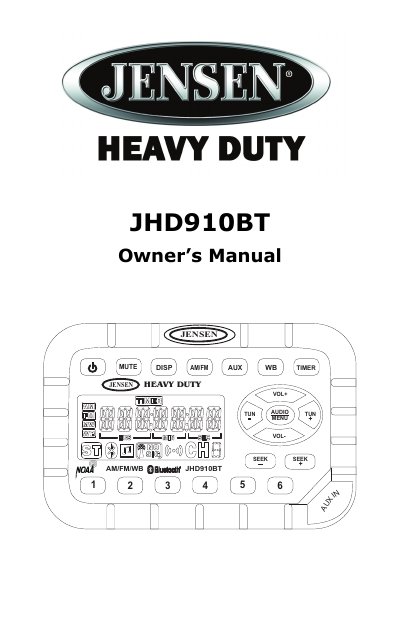
Jensen JHD910BT Car Audio Owner's Manual
The Jensen JHD910BT is a heavy-duty mobile audio system featuring a US/Euro AM/FM tuner, a 7-channel NOAA Weather Band receiver, Bluetooth connectivity, and an auxiliary audio input. Key features include waterproof and corrosion-resistant construction, a daylight-readable backlit display, and a work timer function.
Read onlineJensen JHD910BT specifications
| Tuner Bands | Electronic US/Euro AM/FM Tuner |
|---|---|
| Presets | 30 Programmable Presets (12 AM, 18 FM) |
| Weather Band Channels | 7-Channel NOAA Weather Band |
| Display | Daylight Readable Display |
| Clock Backup | 30-day Backup Power |
| Volume Range | 0 to 40 |
All Jensen JHD910BT documents by type
Day-to-day operation, settings and troubleshooting. Start here if the product is already set up.
Questions answered in these manuals
How do I set the clock on the Jensen JHD910BT?
Press DISP for more than three seconds to enter clock setting mode, then use TUN- to adjust hours and TUN+ to adjust minutes.
How do I store a station in a preset?
Select the desired band and station, then press and hold a preset button for three seconds to store the current station.
What is the tuning range for the FM tuner?
The FM tuner operates from 87.5 to 108.0 MHz.
How do I set the clock on the JHD910BT?
Press DISP for more than three seconds to enter clock setting mode. Use TUN- to adjust hours and TUN+ to adjust minutes. Confirm by waiting ten seconds without adjustment.