
Key facts
Start here
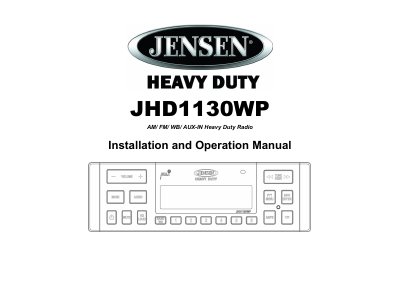
Jensen JHD1130WP Heavy Duty Radio Installation and Operation Manual
This manual provides instructions for installing the Jensen JHD1130WP heavy duty radio in a vehicle with a 1-DIN opening. It covers safety precautions, wiring connections, and mounting procedures, including the use of the provided hardware kit and rear support strap.
Read onlineJensen JHD1130WP specifications
| Output Power RMS | 15W x 4 |
|---|---|
| Display Type | 10 Character Alpha-Numeric Segmented LCD |
| Tuner Bands | AM/FM US/EURO |
| Power Requirement | 12 volt DC negative ground |
| Equalizer Settings | Flat, Rock, Pop, Classical, User |
Source: Jensen JHD1130WP Heavy Duty Radio Installation and Operation Manual
All Jensen JHD1130WP documents by type
Day-to-day operation, settings and troubleshooting. Start here if the product is already set up.
Questions answered in these manuals
What is the output power of the Jensen JHD1130WP?
The unit provides an output power of 15W RMS per channel for a total of 15W x 4.
From: Jensen JHD1130WP Heavy Duty Radio Installation and Operation Manual
How do I adjust the clock format on the radio?
Enter the system menu and select the CLK FMT option to choose between 12 Hour or 24 Hour display mode.
From: Jensen JHD1130WP Heavy Duty Radio Installation and Operation Manual
How do I set the clock on the radio?
Turn ignition on, turn radio on, press PTY/MENU to enter system menu, select CLK, and use TUNE/SEEK and INFO/ENTER buttons to set time.
What is the maximum volume setting for this radio?
The maximum volume setting is 40.
What is the output power of the Jensen JHD1130WP?
The output power is 15W RMS per channel for a total of 15W x 4.
From: Jensen JHD1130WP Heavy Duty Radio Installation and Operation Manual
How many presets does the radio support?
The radio supports 30 presets, including 12 for AM and 18 for FM.
From: Jensen JHD1130WP Heavy Duty Radio Installation and Operation Manual