
User manual for the Jensen JiMS-70i Docking Digital Clock Radio, covering setup, operation, iPod/iPhone docking, and alarm functions.
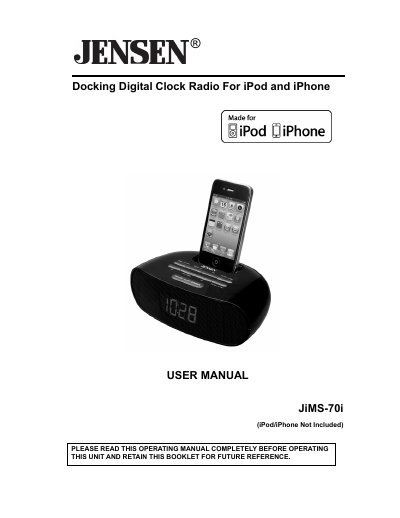
This manual provides instructions for the Jensen JiMS-70i Docking Digital Clock Radio, an iPod and iPhone compatible music system. It details the location of controls on the top and rear views of the unit, including buttons for volume, alarm settings, and time synchronization.
The guide covers essential setup procedures such as installing batteries for clock memory and connecting the AC adaptor. It also explains how to set the time manually or synchronize it with a docked iPod/iPhone, and describes the various features like the dual alarm clock, sleep timer, and FM digital tuner with 20 presets.
| Compatible Devices | iPod nano, iPod touch, iPod classic, iPod video and iPhone |
|---|---|
| FM Tuner Presets | 20 presets |
| Power Source | AC 120V~ 60Hz |
| Battery Backup | 2 x 1.5V, 'AAA' batteries |
Yes, with the iPod/iPhone docked and power OFF, press the SYNC button once to set the time using the internal clock of the device.
The unit requires two 1.5V 'AAA' batteries for clock, radio preset, and alarm memory backup; these are not included.