
Key facts
- Brand
- Jensen
- Model
- JHD910
- Documents
- 4
- Languages
- EN
- Last added
- 2023-10-19
Start here
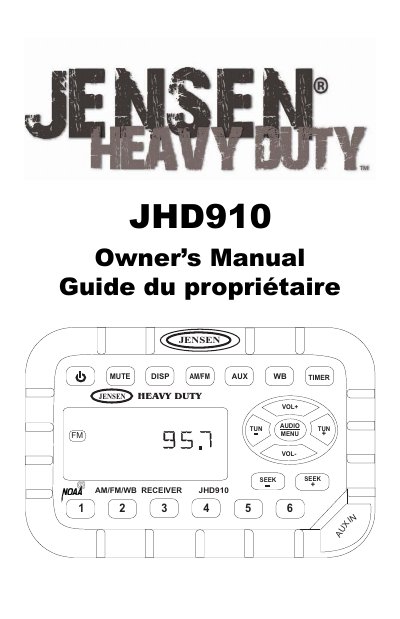
Jensen JHD910 AM/FM/WB Receiver Owner's Manual
This manual covers installation, basic operation, tuner and weather band use, and troubleshooting for the Jensen JHD910 receiver. It includes wiring diagrams, feature descriptions, and settings for clock, volume, and audio adjustments. The unit supports AM/FM, weather band, auxiliary input, and timer functions with waterproof and corrosion-resistant design.
The manual provides step-by-step guidance for mounting the radio and accessories, connecting wiring, and using controls like mute, display toggle, and volume. It also details how to set the clock, adjust audio settings, and configure menu options including backlight color and region settings.
Jensen JHD910 specifications
| Tuner Type | Electronic US/Euro AM/FM Tuner |
|---|---|
| Presets | 30 Programmable Presets (12 AM, 18 FM) |
| Memory | Non-Volatile Memory for User Settings and Preset Memories |
| Weather Band | 7-Channel NOAA Weather Band |
| Display | Backlit Controls with Selectable Illumination Color |
| Clock | Clock with 30-day Backup Power |
Source: Jensen JHD910 Heavy Duty AM/FM/WB Receiver Owner’s Manual
All Jensen JHD910 documents by type
Day-to-day operation, settings and troubleshooting. Start here if the product is already set up.
Questions answered in these manuals
How do I set the clock on the JHD910?
Press DISP for more than three seconds to enter clock setting mode. Use TUN- to adjust hours and TUN+ to adjust minutes. The time will be set after ten seconds of no adjustment.
What is the NOAA Weather Band?
It is a nationwide system broadcasting local weather emergency information 24 hours a day, with seven frequencies (162.400MHz to 162.550MHz).
How do I set the clock on the JHD910?
Press DISP for more than three seconds to enter clock setting mode, then use TUN- to adjust hours and TUN+ to adjust minutes.
From: Jensen JHD910 Heavy Duty AM/FM/WB Receiver Owner’s Manual
How do I connect an auxiliary audio device?
Connect the headphone or line level output of the device to the 1/8" auxiliary input jack using the included patch cord, then press Pres AUX to select auxiliary input mode.
From: Jensen JHD910 Heavy Duty AM/FM/WB Receiver Owner’s Manual
What are the power requirements for the JHD910?
The unit requires DC 12 Volts, Negative Ground.
How do I set the clock on the JHD910?
Press DISP for more than three seconds to enter clock setting mode, then use TUN- or TUN+ to adjust hours and minutes.