
The XP-400 Small-in-One TM Printer Quick Guide introduces how to use the XP-400 printer's features, including using special papers, copying documents or photos, printing from a memory card, printing from your computer, scanning documents or photos, and maintaining your printer.
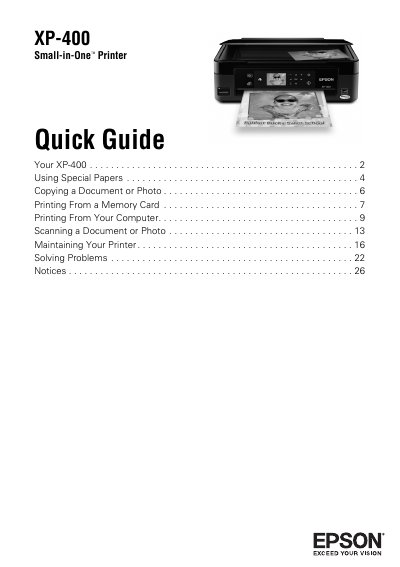
This document serves as a quick reference guide for the Epson XP-400 Small-in-One Printer. It provides instructions on using the control panel, loading special papers, and performing key tasks such as copying documents, printing photos from memory cards or the LCD screen, and scanning. The guide also includes troubleshooting tips and notices regarding warranty and liability.
You can select up to 99 copies.
The printer supports paper up to 8.5 x 14 inches.
Wait until the memory card access light is not flashing before removing the card.