
This document is a user manual for a product sold in French-speaking countries in Canada, including instructions for installation, setup, and operation of the product.
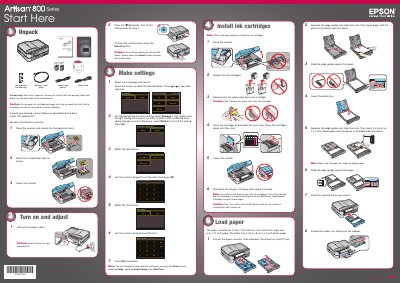
This manual provides instructions for setting up the Epson Artisan 800 Series printer. It covers initial setup steps such as removing protective materials, raising the scanner, and connecting power and cables. It also details how to install ink cartridges and load paper for standard and photo printing.
The charging process takes about 5 minutes.
The main tray is designed for letter-size, legal-size, or 8 x 10-inch paper.
You must use a DSL filter if you are connecting to a DSL phone line.
The product includes a 2-year limited warranty and 2-year toll-free customer support.