
Key facts
- Brand
- TSC
- Model
- TDP-225W
- Category
- Printer
- Industry
- Electronics
- Documents
- 2
- Languages
- ZH
- Last added
- 2026-10-01
Start here
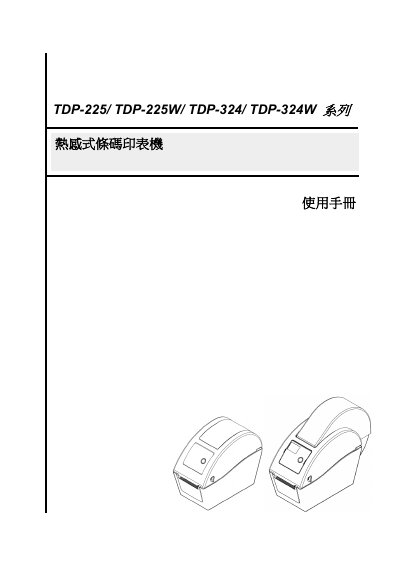
TSC TDP-225/TDP-225W/TDP-324/TDP-324W Thermal Barcode Printer User Manual
This user manual covers the TSC TDP-225, TDP-225W, TDP-324, and TDP-324W series thermal barcode printers. It includes an introduction to the printer features, such as adjustable print speeds up to 5.0 inches per second and support for various label materials including gap or black mark labels.
The guide details setup procedures like unpacking, installing the printer, loading media using peeler or cutter modes, and configuring settings via USB or Ethernet diagnostic tools. It also explains LED indicator meanings, button functions, troubleshooting steps for print quality issues, and maintenance routines such as cleaning the printhead with 100% alcohol. This manual is written in Chinese.
TSC TDP-225W specifications
| Print speed (203 dpi) | 2.0‑5.0 inches per second |
|---|---|
| Print speed (300 dpi) | 2.0‑4.0 inches per second |
| Supported MicroSD capacity | Up to 4 GB |
| Maximum line print density | 15 % |
Source: TSC TDP-225/ TDP-225W/ TDP-324/ TDP-324W Thermal Barcode Printer User Manual
All TSC TDP-225W documents by type
Day-to-day operation, settings and troubleshooting. Start here if the product is already set up.
Questions answered in these manuals
How do I install the printer?
Follow the installation steps in Section 3, which describe mounting the printer, loading labels, and connecting power and communication cables.
From: TSC TDP-225/ TDP-225W/ TDP-324/ TDP-324W Thermal Barcode Printer User Manual
What do the LED indicators mean?
Section 4.1 explains each LED status, indicating power, printing activity, errors, and sensor conditions.
From: TSC TDP-225/ TDP-225W/ TDP-324/ TDP-324W Thermal Barcode Printer User Manual