
Key facts
Start here
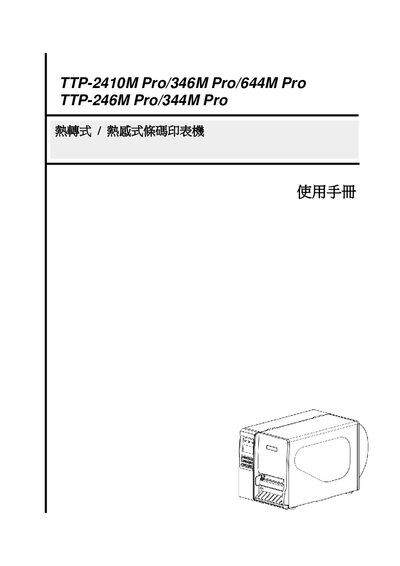
TSC TTP-2410M/346M/644M/246M/344M Pro Thermal Transfer/Direct Barcode Printer User Manual
The TTP series barcode printers are built with an aluminum alloy chassis, a back‑lit LCD panel, and support both thermal‑transfer and thermal‑direct printing. They offer multiple DPI options, a variety of sensor configurations, and extensive connectivity including USB, RS‑232, Ethernet, and optional PS/2 keyboard.
This manual covers product overview, installation, label and ribbon loading, print and sensor setup, communication settings, diagnostic tools, routine maintenance, and troubleshooting. Safety warnings, restricted substance information, and regulatory certifications are also included. This manual is written in Chinese.
TSC 346M specifications
| Print resolution (DPI) | 203 / 300 / 600 dpi |
|---|---|
| Printing method | Thermal transfer / Thermal direct |
| Body material | Aluminum alloy casting |
| LCD display | 128 × 64 pixel back‑lit LCD |
| Memory | 32 MB DRAM, 8 MB FLASH, SD‑card slot (up to 4 GB) |
| Processor | 32‑bit high‑performance processor |
Source: TSC TTP-2410M/346M/644M/246M/344M Pro Thermal Transfer/Direct Barcode Printer User Manual
All TSC 346M documents by type
Day-to-day operation, settings and troubleshooting. Start here if the product is already set up.
Disassembly, diagnostics and part numbers, for repair.
Questions answered in these manuals
What battery does the printer’s real‑time clock use?
The printer contains a CR2032 lithium battery for the RTC; using an incorrect battery type can cause an explosion.
From: TSC TTP-2410M/346M/644M/246M/344M Pro Thermal Transfer/Direct Barcode Printer User Manual
How can the Ethernet settings be updated?
Select the Ethernet (乙太網路設定) option in the Setup menu to configure network parameters.
From: TSC TTP-2410M/346M/644M/246M Plus/344M Plus Printer Service Manual
How do I replace the internal CR2032 battery?
Refer to the safety instructions; the battery is located on the main board and must be replaced with a CR2032 type to avoid hazards.
From: TSC TTP-2410M/346M/644M/246M Plus/344M Plus Printer Service Manual