
Key facts
Start here
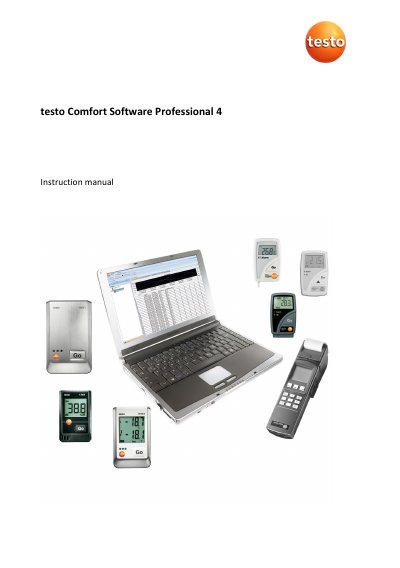
testo Comfort Software Professional 4 Instruction Manual
The testo Comfort Software Professional 4 is designed for saving, reading out, and analyzing individual readings and measurement series from Testo measuring instruments. The software connects to instruments via USB interfaces and records data with date and time stamps. It supports online measurements where values are permanently updated on the PC.
The document covers the installation of the software and drivers, starting the application, and navigating the user interface. It details how to configure specific instruments including the testo 175, testo 176, testo x35, and testo 184 data loggers. Users can manage data through graphical and tabular views, create evaluations, and print reports.
Testo Comfort Software Professional 4 specifications
| Operating Systems | Windows 7, 8.1, 10, 11 |
|---|---|
| Interface Requirement | USB 2.0 or higher |
| Browser Requirement | Internet Explorer 9.0 or higher |
Source: testo Comfort Software Professional 4 Instruction Manual
All Testo Comfort Software Professional 4 documents by type
Day-to-day operation, settings and troubleshooting. Start here if the product is already set up.
Questions answered in these manuals
What is the purpose of the testo Comfort Software Professional 4?
The software serves the purpose of saving, reading out and analysing individual readings and measurement series.
From: testo Comfort Software Professional 4 Instruction Manual
What should be done if the instrument is not responding?
Ensure the instrument is switched on, check the connecting cable, verify sufficient power, and confirm the cable is connected to the correct COM port.
From: testo Comfort Software Professional 4 Instruction Manual
What operating systems are supported?
The software supports Windows® XP ServicePack 2 (SP2), Windows Vista, Windows 7, and Windows® 8, Windows® 8 Pro, Windows® 8 Enterprise.
What interface is required?
The computer must have USB 1.1 or higher interface.
What is the default password for the software?
If you have not yet issued an individual password, enter "testo".
From: testo Comfort Software Professional 4 Instruction Manual
Can I print measurement data as a diagram?
Yes, select Graph in the Start | View menu to print the graphic view.
From: testo Comfort Software Professional 4 Instruction Manual