
This manual describes how to use testo Comfort Software Professional 4 software
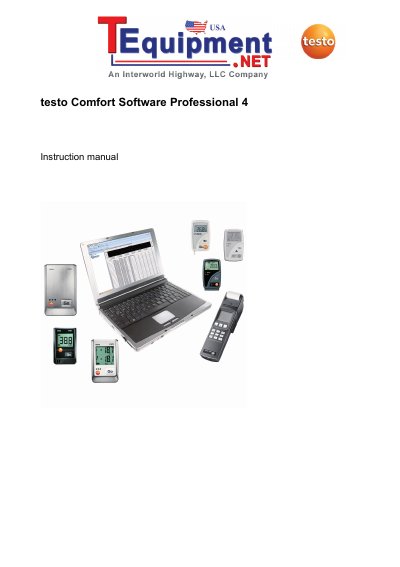
This manual provides step-by-step instructions for installing and using Testo Comfort Software Professional 4. It explains how to connect Testo instruments via USB, configure settings, read and analyze measurement data, and troubleshoot common issues. The software supports Windows XP, Vista, 7, and 8, and requires USB 1.1 or higher and Internet Explorer 5.0 SP1 or higher. It is designed for users familiar with Windows operating systems.
| Operating System | Windows® XP ServicePack 2 (SP2), Windows Vista, Windows 7, Windows® 8, Windows® 8 Pro, Windows® 8 Enterprise |
|---|---|
| Interface | USB 1.1 or higher |
The software supports Windows® XP ServicePack 2 (SP2), Windows Vista, Windows 7, and Windows® 8, Windows® 8 Pro, Windows® 8 Enterprise.
The computer must have USB 1.1 or higher interface.
Insert the program CD, run the installation wizard, and follow the instructions. Connect the instrument via USB to complete driver installation.
For Windows XP, open Device Manager, select and click on 'Update Driver', then enter the driver path in the CD directory. For Windows Vista, click on 'Update Driver', then enter the driver path.