
This manual describes the functions of testo Comfort Software Professional 4 and explains how to install and use the software.
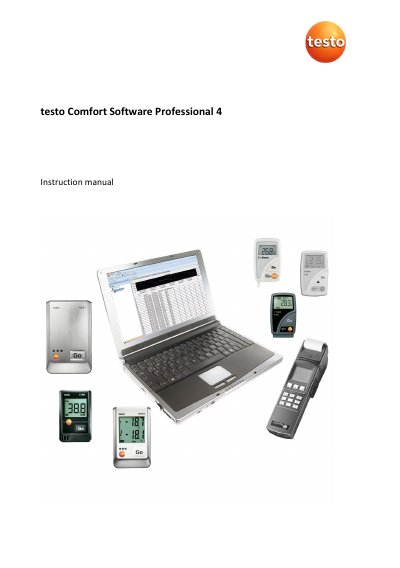
This manual provides instructions for the testo Comfort Software Professional 4, a program designed to save, read out, and analyze measurement data from Testo instruments. It covers system requirements, installation of the software and drivers, and starting the application on Windows 10 and 11 systems.
The guide details how to configure connections with specific instruments, including the testo 175, testo 176, testo x35, and testo 184 data loggers. It explains the user interface, menu functions for editing and evaluating data, and procedures for printing reports in graphical or tabular formats.
| Operating system | Windows 10, Windows 11 |
|---|---|
| Interface | USB 2.0 or higher |
| Browser requirement | Internet Explorer 9.0 or higher |
If you have not yet issued an individual password, enter "testo".
Yes, select Graph in the Start | View menu to print the graphic view.
This occurs if the PC program cannot communicate with the instrument or if the instrument is switched off.