
Key facts
- Brand
- testo
- Model
- ComSoft 3
- Category
- Other Electronics
- Documents
- 2
- Languages
- DE · EN
- Last added
- 2023-10-17
Start here
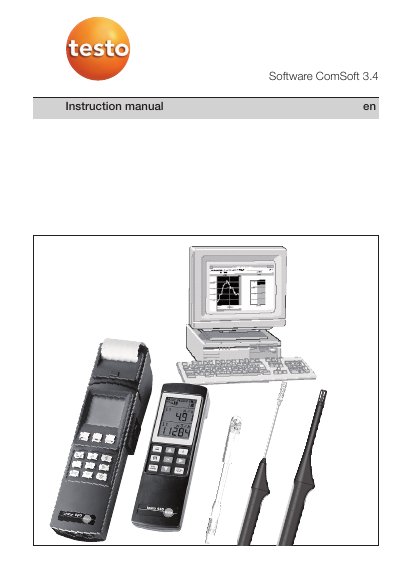
Testo ComSoft 3.4 Software User Manual
This manual explains how to install and use Testo ComSoft 3.4 software for logging and analyzing data from Testo measuring instruments. It covers system requirements, installation steps, interface controls, and data visualization options.
The software supports online measurements, data export, and multiple instrument drivers. It is designed for use with Windows operating systems and includes detailed instructions for navigating menus, toolbars, and context-sensitive help.
Testo ComSoft 3 specifications
| Max number of converters | 32 |
|---|---|
| Max channels per converter | 3 |
| Total available channels | 46 |
| Max RS485 bus length | 600m |
| Max bus addresses | 255 |
All Testo ComSoft 3 documents by type
Day-to-day operation, settings and troubleshooting. Start here if the product is already set up.
Questions answered in these manuals
Can the software control the devices?
No, the software cannot control or regulate the devices; it only acquires and saves data.
How is data saved?
Data measured online is constantly saved in a file, which can be named and located via the File menu.
What is the minimum processor speed required to run ComSoft 3.4?
The software requires a minimum processor speed of 800MHz.
How much free hard drive memory is needed for installation?
A minimum of 50MB of free hard drive memory is required.