
Key facts
- Brand
- testo
- Model
- CFR testo 190
- Documents
- 2
- Languages
- ES
- Last added
- 2023-10-17
Start here
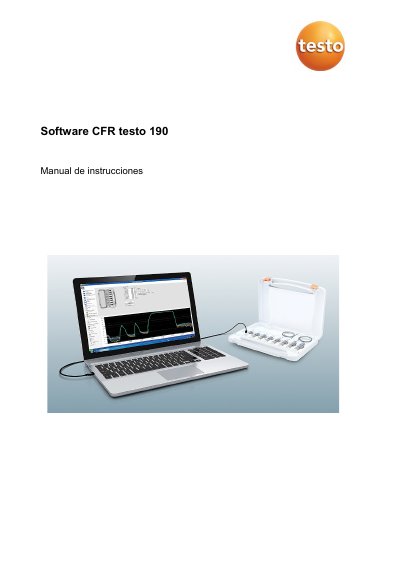
Testo CFR testo 190 Software User Manual
This manual guides users through installing and operating the Testo CFR testo 190 software, which manages data loggers for FDA-compliant electronic records. It covers system requirements, user setup, data analysis, and report generation.
The software supports Windows 7–10, requires USB 2.0 or higher, and enables electronic signature for data validation. Users can configure measurement points, analyze data, and export to Excel for compliance reporting. This manual is written in Spanish.
Testo CFR testo 190 specifications
| Intended Use | Program, read, and analyze testo 190 data loggers |
|---|---|
| Compliance | FDA 21 CFR Part 11 for electronic records |
| Operating System | Windows 7 (except HOME Edition), Windows 8 Pro/Enterprise, Windows 8.1, Windows 10 (32 and 64-bit) |
| Hardware Requirement | USB 2.0 or higher, Internet Explorer 9 or higher |
All Testo CFR testo 190 documents by type
Day-to-day operation, settings and troubleshooting. Start here if the product is already set up.
Questions answered in these manuals
Can data be exported to Excel?
Yes, data can be exported to Excel for analysis and reporting.
What is the purpose of the CFR testo 190 software?
The software is designed to program, read, and analyze testo 190 data loggers.
What is the software CFR testo 190 used for?
It is used to program, read, and analyze testo 190 data loggers and supports FDA 21 CFR Part 11 compliance.
What operating systems are supported?
Windows 7 (except HOME Edition), Windows 8 Pro/Enterprise, Windows 8.1, and Windows 10 (32 and 64-bit).