
The Simrad IS35 Color Display User Manual covers operation, installation, maintenance, and specifications for the Simrad IS35 networked color gauge.
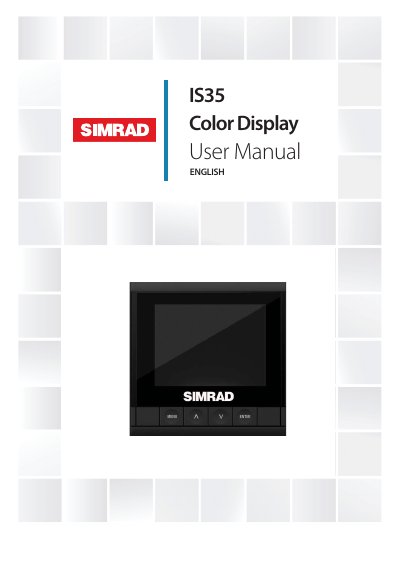
This manual is the user guide for the Simrad IS35 Color Display, a networked gauge that shows vessel engine data, fuel tank information, and instrument data such as speed, depth, heading, position, wind, and environmental data from optional network sensors.
It describes display keys, default pages, menu operation, settings, alarms, installation, software upgrades, maintenance, and technical specifications. The gauge has a 3.5-inch color LCD with a resolution of 320 x 240 pixels.
| Weight | 0.28 kg (0.60 lbs) |
|---|---|
| Power consumption | 130 mA at 13.5V |
| Network load | Maximum 10 gauges |
| Color | Black |
| Display size | 3.5” (Diagonal) |
| Aspect ratio | 4:3 |
| Type | Transmissive TFT-LCD |
| Resolution | 320 x 240 pixels |
| Protection | IPX7 |
| Operating temperature | -15C to +55 ºC (+5 to +131 ºF) |
| Storage temperature | -25 to +65 ºC (-13 to +149 ºF) |
Save the latest .upd file to a USB mass storage device, turn the power on, and the gauge will automatically begin the upgrade procedure.
Use fresh water and a mild soap solution, and avoid chemical cleaners and hydrocarbons such as diesel or petrol.
The safe distance is 0.3 m (1.0 ft).
The network load supports a maximum of 10 gauges.