
Key facts
- Brand
- RAINBIRD
- Model
- WR2
- Category
- Other
- Industry
- Appliances
- Documents
- 4
- Languages
- EN
- Last added
- 2026-11-13
Start here
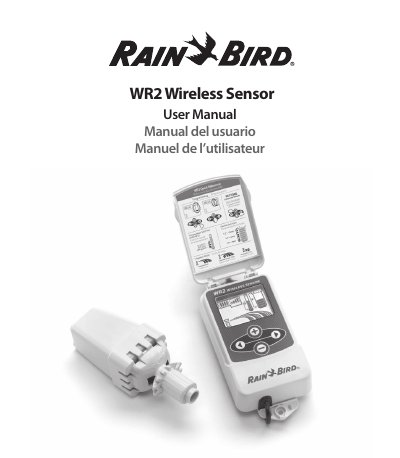
Rain Bird WR2 Wireless Sensor User Manual
The Rain Bird WR2 Wireless Sensor is designed to suspend irrigation cycles during rain or freeze events. It consists of a Controller Interface unit and a Sensor unit that must be synchronized. All settings are programmed through the Controller Interface, which displays icons for battery life, signal strength, and sensor status.
Read onlineRain Bird WR2 specifications
| Cable Length | 30 inches (76.2 cm) |
|---|---|
| Battery Type | Lithium CR2032 |
| Voltage Requirement | 24VAC only |
| Rainfall Set Point Range | 1/8" to 1/2" |
All Rain Bird WR2 documents by type
Day-to-day operation, settings and troubleshooting. Start here if the product is already set up.
Questions answered in these manuals
What happens if it rains during an irrigation cycle?
The sensor will interrupt the active irrigation cycle using the 'Quick Shut Off' feature.
Can I use the WR2 with 110V or 220V circuits?
No, the unit is designed for 24VAC circuits only and should not be used with 110 or 220/230 VAC circuits.
What voltage is required for the Controller Interface?
The unit is designed to be installed in conjunction with 24VAC circuits only.
How do I know if the sensor is pairing correctly?
The Sensor Indicator on the Controller Interface display shows the pairing status.
How do I know when to replace the battery?
Replace the battery when only one (1) bar remains on the battery life indicator.
How do I synchronize the sensor and controller interface?
Push and hold both arrow buttons on the Controller Interface, then insert the battery cassette into the sensor when the pairing icon flashes.