
Rain Bird WR2 Wireless Sensor User Manual

WR2 Wireless Sensor User Manual
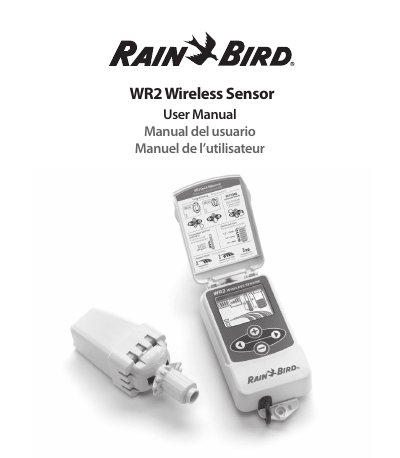

Rain Bird WR2 Wireless Sensor User Manual - cover page
Brand
RAINBIRD
Category
Other
Document type
User Manual
Language
English
Pages
36
File format
PDF
File size
1.3 MB
Published
09 August, 2012
Updated
01 October, 2023
Model
WR2
MD5 checksum
B0BDEA5339071AC75F6129D631D0F1C5

About this manual

The Rain Bird WR2 Wireless Sensor is designed to suspend irrigation cycles during rain or freeze events. It consists of two main components: the Controller Interface and the Sensor, which must be synchronized before use. The device features large icons to communicate status and battery life, and allows for programming of rainfall and temperature set points to optimize water usage.

What's inside

  • Safety Information
  • WR2 Components
  • Mounting the Controller Interface
  • Wiring the Controller Interface
  • Initial Power Up
  • Controller Interface Display Icons
  • Environmental Conditions
  • Irrigation Modes
  • Synchronize the Sensor and Controller Interface
  • Programming the Set Points

Specifications

Cable Length30 inches (76.2 cm)
Battery TypeLithium CR2032
Voltage Requirement24VAC only
Rainfall Set Point Range1/8" to 1/2"

Frequently asked questions

How do I pair the sensor and controller interface?

Do not insert the battery cassette into the Sensor until the Controller Interface is powered up and you are ready to pair the units.

Can I use this sensor with 110V or 220V circuits?

No, the unit is designed for 24VAC circuits only and should not be used with higher voltage circuits.

Download PDF (1.3 MB)

More RAINBIRD Manuals


View all RAINBIRD manuals →