
This manual provides installation, wiring, and programming instructions for the Rain Bird WR2 Wireless Rain or Rain/Freeze Sensor.
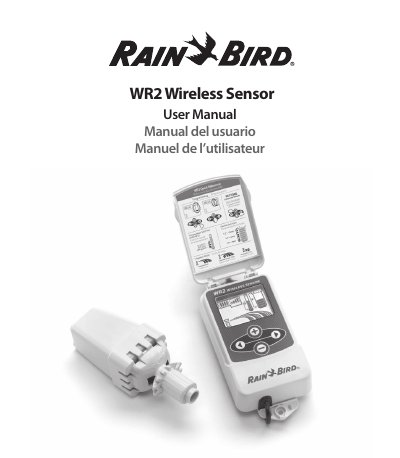
The Rain Bird WR2 Wireless Sensor is designed to suspend irrigation cycles during rain or freeze events. It consists of a Controller Interface unit and a Sensor unit that must be synchronized. All settings are programmed through the Controller Interface, which displays icons for battery life, signal strength, and sensor status.
| Cable Length | 30 inches (76.2 cm) |
|---|---|
| Battery Type | Lithium CR2032 |
| Voltage Requirement | 24VAC only |
| Rainfall Set Point Range | 1/8" to 1/2" |
The sensor will interrupt the active irrigation cycle using the 'Quick Shut Off' feature.
No, the unit is designed for 24VAC circuits only and should not be used with 110 or 220/230 VAC circuits.