
This manual provides installation, setup, and operation instructions for the Rain Bird WR2 Wireless Sensor, including wiring, pairing, and programming set…
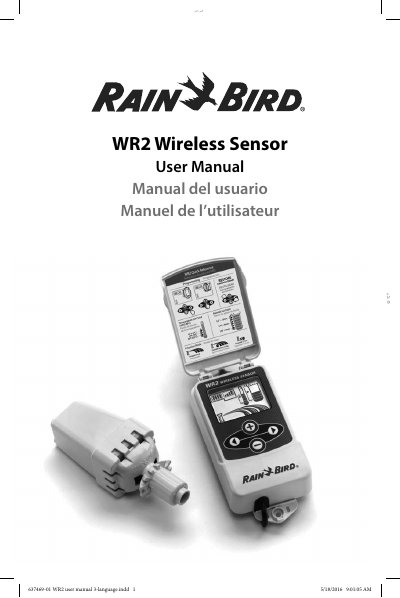
The Rain Bird WR2 Wireless Sensor is designed for residential and commercial irrigation systems to save water by automatically sensing precipitation and interrupting irrigation during rain or low temperature events. The device features a controller interface for programming and a sensor unit with an easy-to-install battery cassette.
| Battery Type | Lithium CR2032 |
|---|---|
| Cable Harness Length | 30 inches (76.2 cm) |
| Voltage Requirement | 24VAC circuits only |
| Rainfall Set Point Range | 1/8" (3mm) to 1/2" (13mm) |
| Temperature Set Point Options | 33°F (0.5°C), 37°F (3°C), or 41°F (5°C) |
Replace the battery when only one (1) bar remains on the battery life indicator.
Push and hold both arrow buttons on the Controller Interface, then insert the battery cassette into the sensor when the pairing icon flashes.
Irrigation is suspended, and an X and the corresponding rainfall trip indicator will automatically display.