
This manual provides the hardware installation guide for KCU-30 Ethernet Remote Communication Module, including an overview, features, and specifications.
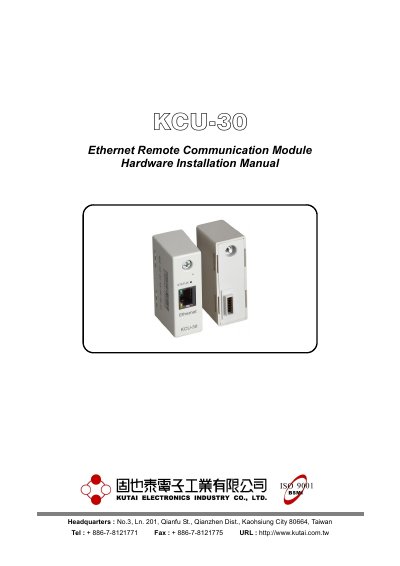
The KCU-30 Ethernet Remote Communication Module is designed for use with specific KUTAI ATS and Generator Controllers, such as the AMF-10, GCU-100, and ATS series. It enables remote monitoring, control, and configuration via a free app for PC, tablet, or smartphone. The module supports plug-and-play internet connections, dynamic IP addressing, and data encryption using primary and session keys.
| Operation Temperature | -20 – +70 ˚C |
|---|---|
| Storage Temperature | -35 – +85 ˚C |
| Ethernet Standard | 10Base-T |
The module is designed for use with specific KUTAI ATS and Generator Controllers, including AMF-10, GCU-100, GCU-3000, ATS-22A, ATS-33, ATS-34, and ATS-PLC.
The factory default Administrator Password is 0000, and the Viewer Password is 9999.
After installing the module, power on the controller and enter Program mode to enable the 'Remote control by KCU -XX module' function.