
This document is the user manual for Jensen JHD1130WP radio, which introduces the features of this radio, installation methods and usage methods.
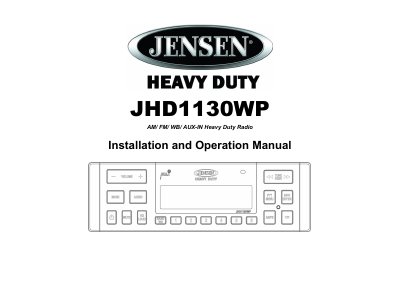
This manual covers installation in a 1-DIN vehicle dash, wiring connections, and basic operation including tuning, volume, and audio settings. It also includes safety warnings, troubleshooting, and specifications for the Jensen JHD1130WP car radio.
The radio features AM/FM with 30 presets, weatherband, RBDS, and adjustable bass, treble, balance, and fader. It supports 12/24-hour clock, IR remote control (sold separately), and auxiliary input. Power is 15W x 4 RMS, and it includes non-volatile memory for settings retention.
| Output Power | 15W x 4 RMS |
|---|---|
| Tuner | AM/FM US/EURO with 30 Presets (12 AM, 18 FM) |
| Equalizer | 5 settings (Flat, Rock, Pop, Classical, User) |
| Clock | 12/24 Hour Selectable |
| Memory | Non-Volatile Memory |
Turn ignition on, turn radio on, press PTY/MENU to enter system menu, select CLK, and use TUNE/SEEK and INFO/ENTER buttons to set time.
The maximum volume setting is 40.
The radio will alert if the BAT ALRM is ON, or automatically turn off if the BAT OFF setting is ON.
The output power is 15W RMS x 4.