
This manual introduces the Jensen JHD1130WP heavy-duty radio's installation and operation.
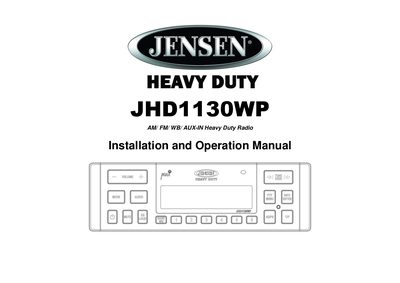
This manual provides instructions for installing the Jensen JHD1130WP heavy duty radio in a vehicle with a 1-DIN opening. It details the safety precautions, step-by-step installation process, and specific wiring connections required for proper operation.
The guide also covers basic operation of the unit, including power on/off, volume control, and mode selection between AM/FM, Weatherband, and Auxiliary inputs. Users can adjust audio settings such as bass, treble, balance, and fader, as well as configure system menus for clock, language, and battery alarm settings.
| Output Power RMS | 15W x 4 |
|---|---|
| Display | 10 Character Alpha-Numeric Segmented LCD |
| Tuner Presets | 30 Presets (12 AM, 18 FM) |
| Power Supply | 12 volt DC negative ground |
| Equalizer Settings | Flat, Rock, Pop, Classical, User |
The output power is 15W RMS per channel for a total of 15W x 4.
The radio supports 30 presets, including 12 for AM and 18 for FM.
The product is designed to operate with a 12 volt DC negative ground battery system.