
Key facts
- Brand
- ITech
- Model
- IT8500 series
- Category
- Other Electronics
- Industry
- Electronics
- Documents
- 3
- Languages
- ZH
- Last added
- 2026-10-03
Start here
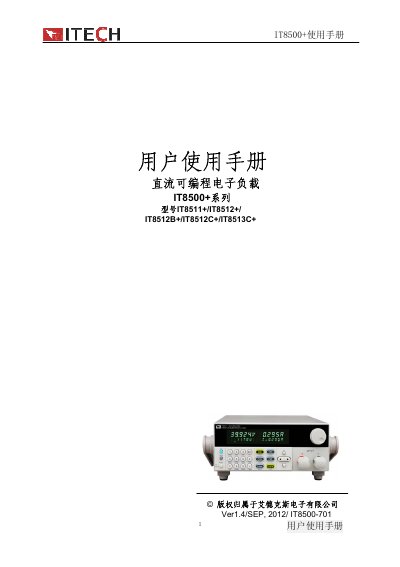
ITECH IT8500+ Series Programmable DC Electronic Load User Manual
The IT8500+ series from ITECH is a programmable DC electronic load that supports multiple operation modes such as constant current, voltage, resistance, and power. It offers optional RS232, USB, and RS485 communication modules and is designed for battery testing, OCP/OPP protection, and dynamic testing up to 10 kHz.
This manual covers receiving inspection, installation, quick start procedures, detailed technical specifications, function descriptions, basic operation examples, and communication interface reference. Safety warnings, warranty information, and troubleshooting steps are also included. This manual is written in Chinese.
ITECH IT8500 series specifications
| Input voltage range | 0~18 V |
|---|---|
| Input current range | 0~12 A |
| Power range | 0~600 W |
| Voltage resolution | 0.1 mV |
| Current resolution | 1 mA |
| Power resolution | 10 mW |
| Maximum power protection | ≈600 W |
| Dimensions (IT8513C+) | 214.5 mm W × 88.2 mm H × 453.5 mm D |
| Memory capacity | 100 groups |
Source: ITECH IT8500+ Series Programmable DC Electronic Load User Manual
All ITECH IT8500 series documents by type
Day-to-day operation, settings and troubleshooting. Start here if the product is already set up.
Questions answered in these manuals
Which communication interfaces can be used with the IT8500+ load?
The load supports optional RS232, USB, and RS485 interfaces via dedicated communication modules.
From: ITECH IT8500+ Series Programmable DC Electronic Load User Manual
What should I do if the electronic load does not start?
Check that the power cable is properly connected, verify the voltage setting matches the mains, and inspect the fuse; replace it with the same specification if it is blown.
From: ITECH IT8500 Series Programmable DC Electronic Load User Manual
How does the self‑test work when the load is powered on?
When the load is powered on, a system self‑test runs for about one second; if EEPROM or calibration data are missing, the VFD displays error messages.
How can the fuse be replaced?
Remove the small plastic cover under the rear power socket with a flat‑head screwdriver, locate the fuse, and replace it with one matching the specified rating.