
Key facts
Start here
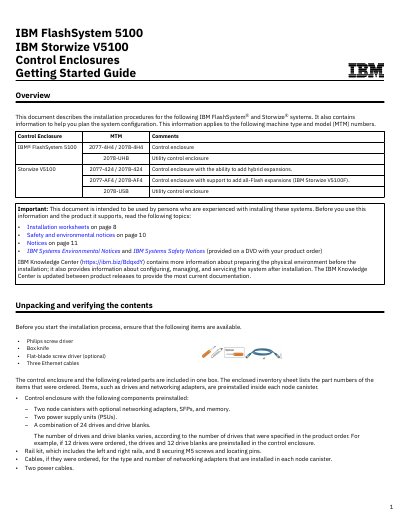
IBM FlashSystem 5100 and Storwize V5100 Control Enclosures Getting Started Guide
This document describes installation procedures for IBM FlashSystem 5100 and Storwize V5100 control enclosures and includes information to help plan the system configuration. It applies to several control enclosure machine type and model numbers.
The guide covers unpacking and verifying contents, installing support rails and the enclosure into a rack, and removing and replacing power supply units, node canisters, and drives. It also notes weight cautions and handling requirements for these components.
IBM Storwize V5100 specifications
| Control enclosure weight | 32 to 55 kg (70.5 to 121.2 lb) |
|---|---|
| Node canister weight | Less than 18 kg (39.7 lb) |
| Drive slots | Combination of 24 drives and drive blanks |
| Power supply units | Two |
Source: IBM FlashSystem 5100 and Storwize V5100 Control Enclosures Getting Started Guide
All IBM Storwize V5100 documents by type
Mounting, wiring and first power-up. Read it before the hardware goes in.
Questions answered in these manuals
How many people are needed to lift the control enclosure?
The control enclosure weighs between 32 and 55 kg and takes three persons to lift safely.
From: IBM FlashSystem 5100 and Storwize V5100 Control Enclosures Getting Started Guide
What tools and cables are needed before installation?
A Philips screwdriver, box knife, optional flat-blade screwdriver, and three Ethernet cables are needed.
From: IBM FlashSystem 5100 and Storwize V5100 Control Enclosures Getting Started Guide
Who should use this guide?
This guide is intended for system administrators and technicians who are installing the Storwize V5100 system.
What is required before using the product?
Users must read the Notices, Safety and environmental notices, and the IBM Environmental Notices and User Guide before using the product.