
Key facts
- Brand
- IBM
- Model
- SP3001
- Category
- Other Electronics
- Industry
- Computers
- Documents
- 2
- Languages
- EN
- Last added
- 2023-11-30
Start here
IBM Security SiteProtector System SP3001 Quick Start Guide
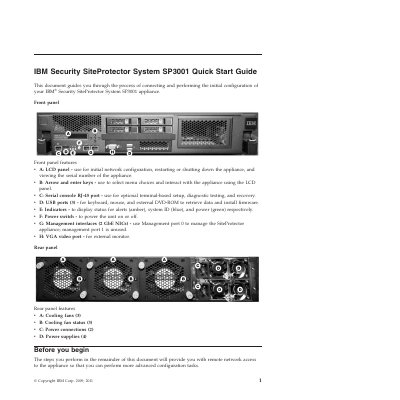
This guide covers connecting and performing the initial configuration of the IBM Security SiteProtector System SP3001 appliance. It describes front panel features such as the LCD panel, arrow and enter keys, serial console port, USB ports, indicators, power switch, management interfaces, and VGA video port, as well as rear panel cooling fans, fan status indicators, power connections, and power supplies.
Before installation, users gather materials and network information including IP address, subnet mask, default gateway, DNS server, host name, and product keys. The guide then steps through connecting the appliance, configuring network settings on the LCD panel, installing the SiteProtector Console from a web browser, and launching the console to log in and configure advanced settings.
IBM SP3001 specifications
| Management interfaces | 2 GbE NICs |
|---|---|
| USB ports | 3 |
| Cooling fans | 3 |
| Power connections | 2 |
| Power supplies | 4 |
Source: IBM Security SiteProtector System SP3001 Quick Start Guide
All IBM SP3001 documents by type
Day-to-day operation, settings and troubleshooting. Start here if the product is already set up.
The shortest path to a working setup, usually only a few pages.
Questions answered in these manuals
What is the SiteProtector SP3001 appliance?
It is a hardware implementation of SiteProtector that includes preinstalled instances of required components on a single, rack-mountable appliance.
From: IBM Security SiteProtector System SP3001 Hardware Configuration Guide
What does IBM Security Server Protection for Windows provide for the appliance?
It provides host security protection for the SiteProtector SP3001 appliance.
From: IBM Security SiteProtector System SP3001 Hardware Configuration Guide
Which management port is used to manage the appliance?
Use Management port 0 to manage the SiteProtector appliance; management port 1 is unused.
From: IBM Security SiteProtector System SP3001 Quick Start Guide
What is the default user and password for the SiteProtector Console?
The default user is Administrator and the password is ISSADMIN.
From: IBM Security SiteProtector System SP3001 Quick Start Guide