
This manual introduces the basic operations of the Fanvil X5U V2 phone, including dialing, answering and hanging up the phone, as well as setting call forwarding, dial prefix, hands-free and other functions.
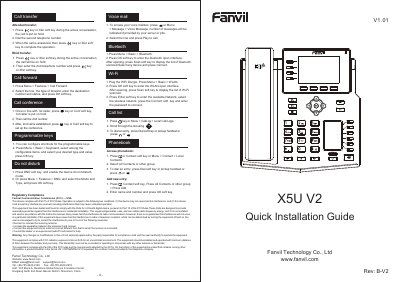
This document serves as the User Manual and Quick Installation Guide for the Fanvil X5U V2 IP phone. It provides instructions on hardware installation, connecting power and network devices, and configuring the phone via the LCD menu or a web browser. The guide details default credentials (username and password are both 'admin') and the process for accessing the system settings.
| Default Username | admin |
|---|---|
| Default Password | 123 |
The default username and password are both 'admin'.
Press the Menu key and enter the default password 123.
Press the # key to mute the microphone during the call.