
Key facts
- Brand
- Druck
- Model
- DPI 705
- Category
- pressure transmitters
- Documents
- 2
- Languages
- EN
- Last added
- 2026-10-01
Start here
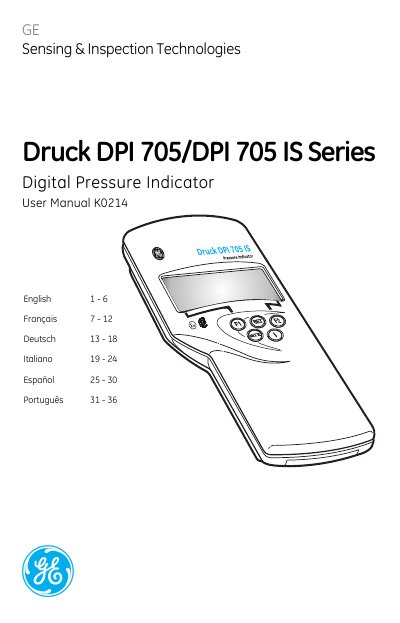
Druck DPI 705/DPI 705 IS Series Digital Pressure Indicator User Manual
The document serves as a comprehensive user guide for the Druck DPI 705 and DPI 705 IS Series Digital Pressure Indicators. It covers general operation features such as leak testing, zeroing, alarm settings, and display symbols. The manual also details specific requirements for using Intrinsically Safe (IS) versions in hazardous areas, including battery specifications and installation warnings.
Read onlineDruck DPI 705 specifications
| Accuracy (Combined non-linearity, hysteresis and repeatability) | ±0.1% full-scale (FS) |
|---|---|
| Operating range | -10°C to 50°C |
| Storage range | -20°C to 60°C |
| Maximum safe working pressure | 2 x full-scale |
| Pressure connector | 6 mm o/d and 4 mm i/d hose, G1/8 or 1/8"NPT female thread |
| Electrical Power Supply (non-certified units) | 3 x 1.5 V alkaline size AA |
Source: Druck DPI 705/DPI 705 IS Series Digital Pressure Indicator User Manual
All Druck DPI 705 documents by type
Day-to-day operation, settings and troubleshooting. Start here if the product is already set up.
Questions answered in these manuals
What calibrator is recommended for the DPI 705?
The recommended calibrator is the Druck DPI 610 or DPI 610 IS portable calibrator.
From: Druck DPI 705 and DPI 705 IS Digital Pressure Indicator Calibration and Configuration Instructions
How do you change the PIN on the DPI 705?
Press all three keys together to enter the CAL menu, then use the increase key to change each digit of the PIN.
From: Druck DPI 705 and DPI 705 IS Digital Pressure Indicator Calibration and Configuration Instructions
What is the procedure for zeroing the instrument?
Open all pressure ports to atmospheric pressure and press the TARE keys together.
From: Druck DPI 705/DPI 705 IS Series Digital Pressure Indicator User Manual
What batteries are required for Intrinsically Safe units?
Use only 3 x LR6 (AA) Duracell PROCELL, PLUS, ENERGIZER ULTIMATE or GP SUPERALKALINE.
From: Druck DPI 705/DPI 705 IS Series Digital Pressure Indicator User Manual