
Key facts
- Brand
- Creative
- Model
- SoundBlaster OmniSurround 5.1
- Category
- Other Electronics
- Industry
- Electronics
- Documents
- 2
- Languages
- JA · DE
- Last added
- 2026-11-21
Start here
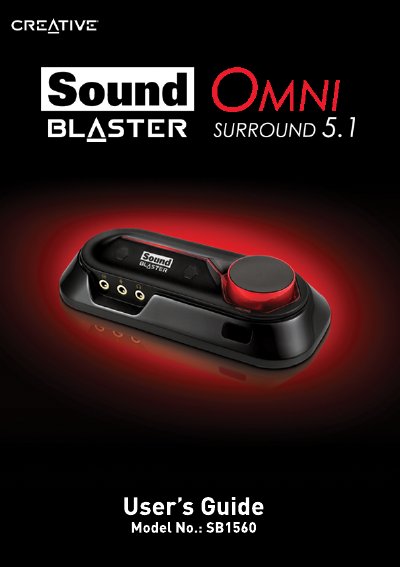
Creative SoundBlaster OmniSurround 5.1 USB Audio Solution User Manual
This manual is for the Creative SoundBlaster OmniSurround 5.1, a USB audio solution with SBX Pro Studio technology. It covers the package checklist, system requirements for Windows and macOS, product registration, and Creative Software AutoUpdate.
It also describes the hardware connectors, indicators and volume control dial, volume adjustment methods, remote control buttons and operating range, and remote control battery replacement. This manual is written in Japanese.
Creative SoundBlaster OmniSurround 5.1 specifications
| Windows processor | Intel Core 2 Duo 2.2 GHz, AMD Athlon 64 X2 Dual Core, or equivalent |
|---|---|
| Windows operating systems | Windows 8, Windows 7, or Windows Vista (32-bit or 64-bit) |
| Windows storage | 600 MB or more free hard disk space |
| USB port | Available USB 2.0 port |
| macOS processor | Intel Core 2 Duo 2.8 GHz |
| macOS version | Mac OS X 10.6 or later |
| Remote control range | Up to 3 meters |
Source: Creative SoundBlaster OmniSurround 5.1 USB Audio Solution User Manual
All Creative SoundBlaster OmniSurround 5.1 documents by type
Day-to-day operation, settings and troubleshooting. Start here if the product is already set up.
Questions answered in these manuals
What is included in the package?
The package includes the SoundBlaster OmniSurround 5.1 USB device, a 1.5 m micro USB 2.0 cable, a stereo RCA to 3.5 mm plug, and a remote control in some products.
From: Creative SoundBlaster OmniSurround 5.1 USB Audio Solution User Manual
What are the Windows system requirements?
Windows requires an Intel Core 2 Duo 2.2 GHz, AMD Athlon 64 X2 Dual Core, or equivalent processor; Windows Vista, 7, or 8; a CD/DVD drive; 1 GB or more of memory; 600 MB or more of free disk space; and an available USB 2.0 port.
From: Creative SoundBlaster OmniSurround 5.1 USB Audio Solution User Manual
What is included in the Sound Blaster Omni Surround 5.1 package?
The package includes the USB device, a 1.5m MicroUSB 2.0 cable, a Stereo Cinch-to-3.5mm adapter, and a remote control (in certain countries).
How do I update the software for my Creative product?
You can use the Creative Software AutoUpdate system to automatically analyze your configuration and download relevant updates.