
Key facts
- Brand
- Creative
- Model
- SB1820
- Category
- Sound Card
- Industry
- Electronics
- Documents
- 2
- Languages
- EN
- Last added
- 2026-11-21
Start here
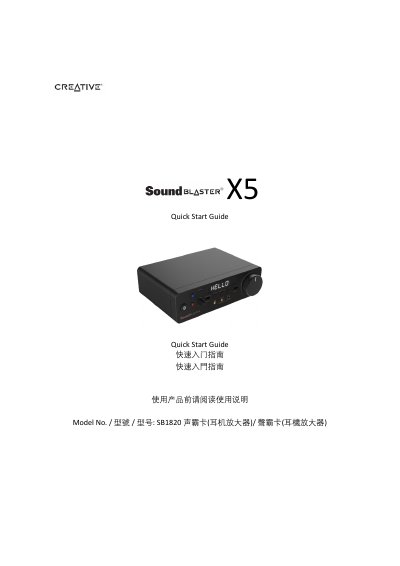
Creative Sound Blaster X5 SB1820 Sound Card Quick Start Guide
This quick start guide covers the controls, connections, software download, technical specifications, registration, warranty, and compliance information for the Creative Sound Blaster X5 (model SB1820).
It describes the front-panel buttons, knobs, switches, jacks, USB, optical, and line inputs and outputs, plus Bluetooth pairing, BLE app connection, and master reset procedures.
Creative SB1820 specifications
| Bluetooth Version | Bluetooth 5.0 |
|---|---|
| Maximum RF Output Power | 4 dBm |
| Operating RF range | 2402–2480 MHz |
| Supported Bluetooth Profiles | A2DP (Wireless Stereo Bluetooth), AVRCP (Bluetooth Remote Control) |
| Input | 5V 1A Max |
| Operating Temperature | 45°C |
Source: Creative Sound Blaster X5 SB1820 Sound Card Quick Start Guide
All Creative SB1820 documents by type
The shortest path to a working setup, usually only a few pages.
Questions answered in these manuals
How do I download software for the Sound Blaster X5?
Download the software and its user manual at creative.com/support/SBX5.
From: Creative Sound Blaster X5 SB1820 Sound Card Quick Start Guide
How do I reset the Sound Blaster X5?
Long press both the Bluetooth and Display buttons for 5 seconds to trigger a master reset.
From: Creative Sound Blaster X5 SB1820 Sound Card Quick Start Guide
How do you perform a master reset on the Sound Blaster X5?
Press and hold the Bluetooth and Display buttons for 5 seconds, or trigger Device Reset from the Creative app.
From: Creative Sound Blaster X5 SB1820 USB Sound Card Quick Start Guide
What is the Bluetooth operating range?
Up to 10m / 33 ft with unobstructed line-of-sight.
From: Creative Sound Blaster X5 SB1820 USB Sound Card Quick Start Guide