
Key facts
Start here
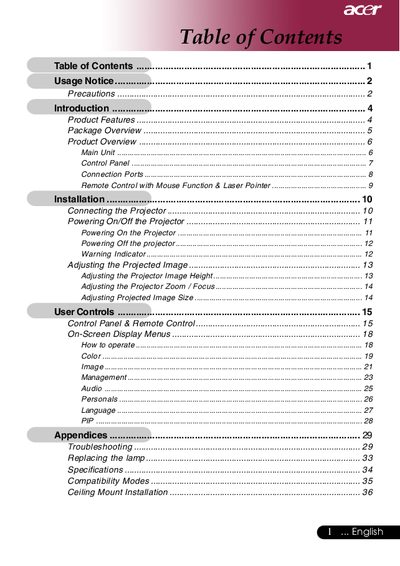
Acer Single Chip 0.7" DLP Projector User Manual
This document is the user guide for an Acer XGA single chip 0.7" DLP projector. It covers product features such as NTSC/PAL compatibility, HDCP compliance, and digital keystone correction. The manual details the package contents, including cables and a remote control with mouse function.
Read onlineACER Single Chip 0.7" DLP Projector specifications
| Resolution | 1024 x 768 |
|---|---|
| Technology | Single Chip DLP |
| Contrast Ratio | 1860:1 |
| Noise Level | 38 dB(A) |
| Power Supply | 100-240V |
| Weight | 2.3 lbs |
All ACER Single Chip 0.7" DLP Projector documents by type
Day-to-day operation, settings and troubleshooting. Start here if the product is already set up.
Questions answered in these manuals
What are the supported video standards?
The projector is compatible with NTSC/NTSC4.43/PAL/SECAM and HDTV (480i/p, 576i/p, 720p, 1080i).
What is the resolution of this projector?
The projector features True XGA with 1024 x 768 addressable pixels.
What are the safety precautions for the projector?
Do not look into the lens when the lamp is on, do not expose the product to rain or moisture, and do not open or disassemble the product.
How do I reset the lamp hour counter after replacing the lamp?
Reset the 'Lamp Hour Reset' function from the On Screen Display 'Management' menu.
What happens when the lamp reaches the end of its life?
The lamp will burn out and may make a loud popping sound, and the projector will not turn back on until the lamp module is replaced.
What is the operating temperature range?
The projector operates between 10°C and 40°C (50°F to 104°F).