
Key facts
Start here
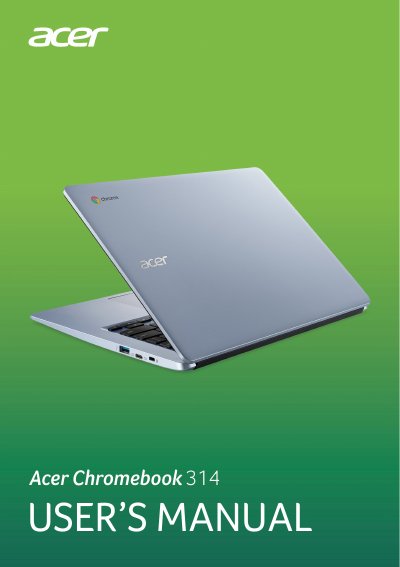
Acer Chromebook 314 (CB314-1H / C933) User's Manual
This is the user's manual for the Acer Chromebook 314, covering models CB314-1H and C933 (revision August 2019). It walks through first-time setup, the hardware views and ports, touchpad gestures and keyboard shortcuts.
Later sections describe the Chrome OS desktop, installing and managing apps, working with Google Drive and Microsoft Office files, offline use, and settings such as language, appearance, printing, updates and Powerwash reset. Help options are listed at the end.
Acer C933) specifications
| USB Type-C port | With DC-in; supports DisplayPort over USB-C |
|---|---|
| Battery indicator | Amber light while charging, blue when fully charged in AC mode |
| Card slot | MicroSD card slot |
| Webcam | Web camera for video communication with activity light |
All Acer C933) documents by type
Day-to-day operation, settings and troubleshooting. Start here if the product is already set up.
Questions answered in these manuals
How do I turn on the Acer Chromebook 314?
Press the power button, which is at the top-right corner of the keyboard. A "Welcome" screen appears when the Chromebook first boots up.
How do I right-click using the touchpad?
Tap the touchpad with two fingers, or hold Alt and tap the touchpad with one finger; both equal a right-click.
Can I use the Chromebook without a Google Account?
Yes. Select Browse as a Guest to use the Chromebook without a Google Account.
How do I turn on the Chromebook?
Press the power button, which is at the top-right corner of the keyboard. A Welcome screen appears when the Chromebook first boots up.