
Key facts
Start here
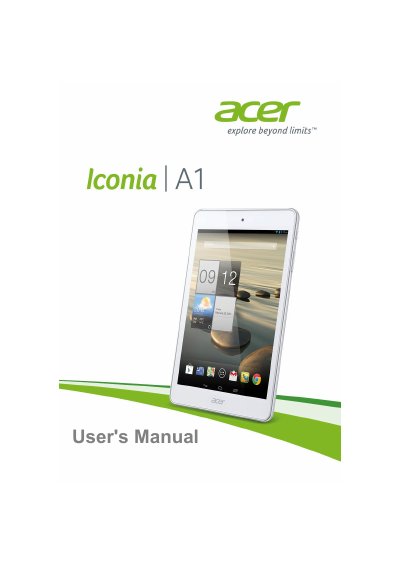
Acer Iconia A1-830 Tablet User's Manual
This user's manual covers the Acer Iconia A1-830 tablet, guiding users through unpacking, initial setup, and basic operation. It details how to charge the device, use the touchscreen interface, manage Wi-Fi connections, and utilize multimedia features like the camera and media player. The guide also explains how to connect external devices such as PCs and Bluetooth accessories.
Read onlineAcer A1-830 specifications
| Processor | Intel Atom Z2560 (1.6 GHz, Dual-core) |
|---|---|
| System Memory | 1 GB RAM |
| Flash Memory | 16 GB |
| Operating System | Google Android |
| Display | 7.9-inch XGA TFT LCD Capacitive Multi-touch |
| Resolution | 1024 x 768 |
| Rear Camera | 5 Megapixel with Auto Focus |
| Front Camera | 2 Megapixel Fixed Focus |
| Battery | 14.8 Wh 4000 mAh 3.7 V |
| Battery Life | Up to 7.5 hours |
| Wi-Fi | IEEE 802.11b/g/n |
| Dimensions | 203 x 138.4 x 8.15 mm |
| Weight | 375 g |
All Acer A1-830 documents by type
Day-to-day operation, settings and troubleshooting. Start here if the product is already set up.
Questions answered in these manuals
How long does it take to charge the tablet for the first time?
It takes 4 hours to charge the tablet for the first time.
Why does the device have no sound?
If headphones are plugged in, the speaker automatically turns off. Also check if the volume is set to mute or minimum.
How long should I charge the tablet for first-time use?
You need to charge your tablet for four hours for first-time use.
What is the maximum capacity for the microSD card slot?
The microSD card slot supports cards up to 32 GB.