
This manual provides instructions for setting up, using, and maintaining the Acer Iconia A1-830 tablet, including charging, touchscreen operation, and…
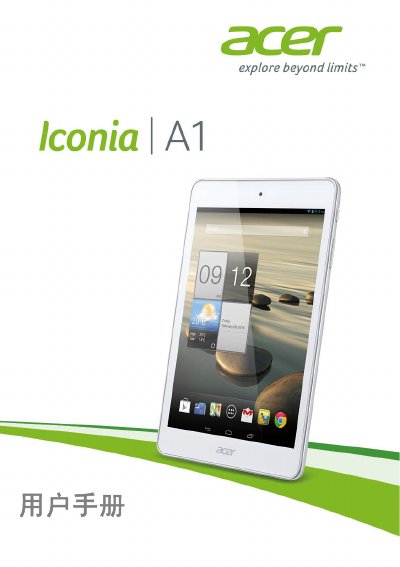
This user manual covers the setup and basic usage of the Acer Iconia A1-830 tablet. It includes instructions on opening the package, charging the device, performing the initial startup, and using the touchscreen interface. The guide also details how to connect to the internet, manage files, and use multimedia features like the camera and audio playback. This manual is written in Chinese.
| Processor | Intel Atom Z2560 (1.6 GHz, Dual-core) |
|---|---|
| System Memory | 1 GB RAM |
| Flash Memory | 16 GB |
| Operating System | Google Android |
| Display | 7.9-inch XGA TFT LCD Capacitive Multi-touch |
| Resolution | 1024 x 768 |
| Rear Camera | 5 Megapixel with Auto Focus |
| Front Camera | 2 Megapixel Fixed Focus |
| Battery | 14.8 Wh 4000 mAh 3.7 V |
| Battery Life | Up to 7.5 hours |
| Wi-Fi | IEEE 802.11b/g/n |
| Dimensions | 203 x 138.4 x 8.15 mm |
| Weight | 375 g |
It takes 4 hours to charge the tablet for the first time.
If headphones are plugged in, the speaker automatically turns off. Also check if the volume is set to mute or minimum.
Go to Apps > Settings > About tablet > Device Information.
The microSD card slot supports cards up to 32 GB.