
Zoom iOS App Operation Guide

This guide explains how to install and join remote meetings using the Zoom app on Apple mobile devices.

Zoom iOS App Operation Guide - cover page
Brand
ZOOM
Category
Other software
Document type
User Manual
Language
Chinese
Pages
5
File format
PDF
File size
435 KB
Published
18 October, 2026
Updated
18 October, 2026
MD5 checksum
C1714BF98A69C9CDA6A823CCA05CA2A1

About this manual

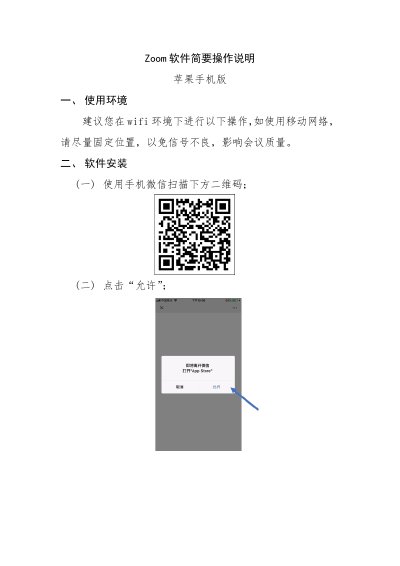
This document provides brief operation instructions for the Zoom software on Apple mobile phones. It covers the recommended usage environment, specifically suggesting the use of Wi-Fi to ensure signal quality and meeting stability. The guide also details the software installation process via WeChat scanning a QR code. This manual is written in Chinese.

What's inside

  • Usage Environment
  • Software Installation
  • Meeting Joining
  • Meeting Controls
  • Audio and Video

Frequently asked questions

What network environment is recommended for using Zoom?

It is recommended to use a Wi-Fi environment for the following operations.

How can users join a meeting if they do not have the app installed?

Users can click the meeting link received in WeChat or scan the QR code in the invitation.

Which audio method should be selected to avoid high phone bills?

Users should select 'Join by Device Audio' and must not choose the 'Call In' method.

Download PDF (435 KB)

More ZOOM Manuals


View all ZOOM manuals →