
The Zoom H8 Handy Recorder User Manual provides setup, operation, connectivity, and maintenance instructions for the portable recorder.
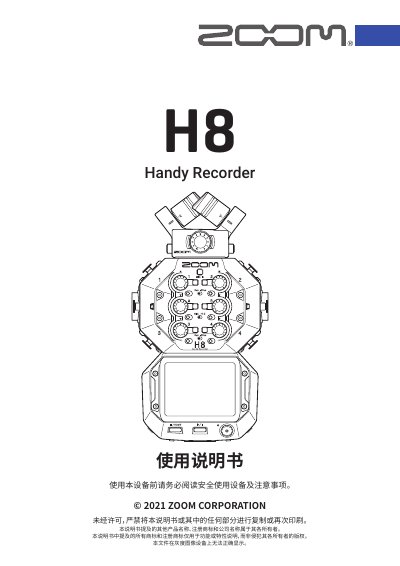
This manual covers all aspects of the Zoom H8 Handy Recorder, including its three recording applications (FIELD, MUSIC, PODCAST), interchangeable microphone heads, and the intuitive 2.4‑inch touchscreen. It explains how to prepare the device, insert SD cards, manage power, and configure language, date, and time settings.
Detailed sections describe connecting the H8 to computers, iOS/iPadOS devices, and external microphones or instruments, as well as using the built‑in audio interface, adjusting input gains, phantom power, and output levels. Troubleshooting tips, firmware updates, and technical specifications are provided at the end of the document.
| Supported storage media | SD, SDHC, SDXC |
|---|---|
| Microphone sensitivity | -41 dB/Pa (1 kHz) |
| Input gain range | -∞ to 46.5 dB |
| Maximum SPL | 136 dB SPL |
| Input impedance | 2 kΩ |
| Phantom power | +24 V / +48 V |
| Line‑out nominal level | -10 dBu |
| Screen size | 2.4 in, 320×240 full‑color LCD touchscreen |
The FIELD application supports up to 12 simultaneous recording tracks.
Connect a wireless adapter such as the BTA‑1 and use the H8 Control iOS/iPadOS app to control the recorder remotely.
The battery type can be set in the Settings menu under "Battery Type" (page 134).
Select the SD card formatting option in the SD card menu (see page 121).