
Comprehensive user guide for the Zebra MC33XX mobile computer, covering setup, configuration, battery management, and usage instructions for Android 8.1 Oreo.
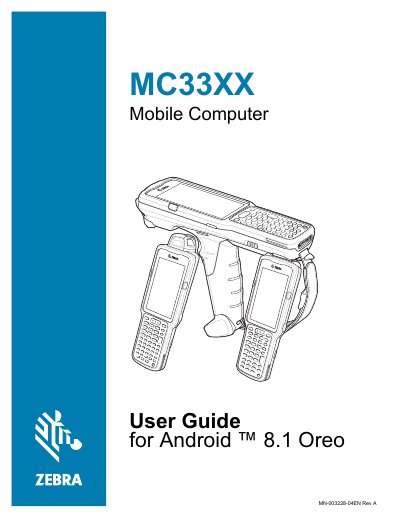
This document serves as the official user guide for the Zebra MC33XX mobile computer, designed for Android 8.1 Oreo. It provides detailed instructions on getting started, including unpacking, installing batteries, and setting up Google accounts. The guide covers various configurations such as the MC33XX-G, MC33XX-R, and MC33XX-S, detailing their specific features like rotating scan turrets and hands-free imagers.
| Operating System | Android 8.1 Oreo |
|---|---|
| Document Revision | Rev A |
No, the lanyard is compatible only with the MC33XX-R and MC33XX-S configurations.
The device runs Android 8.1 Oreo.
The lanyard is compatible only with the MC33XX-R and MC33XX-S configurations.
Revision -04 updated the guide to include the SE4770 2D Imager.