
Instructions for setting up and operating the WolfVision VZ-7D and VZ-5D portable visualizers, including controls, remote control, serial control, technical…
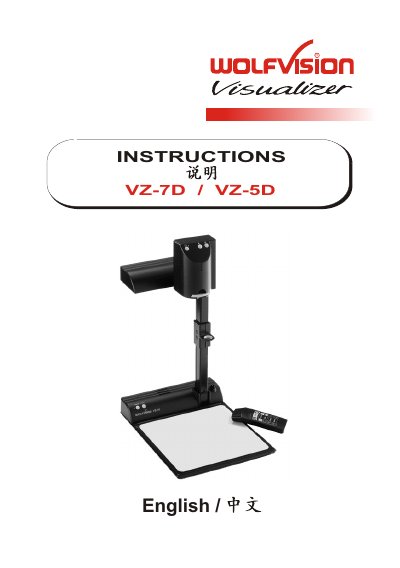
The WolfVision VZ-7D and VZ-5D are portable visualizers. The VZ-7D includes an infrared remote control and an RS-232 serial control input, while the VZ-5D does not.
This manual covers connectors and controls, setup, shooting area and close-up lens use, autofocus, white balance, manual focusing, remote control presets, serial control, digital zoom, video recorder playback, technical data, and lamp replacement.
| Effective pixels | PAL models: 752 x 582; NTSC models: 768 x 494 |
|---|---|
| Horizontal resolution | > 470 TV lines |
| Iris | Automatic and manual (VZ-5D: automatic only) |
| Optics | 24x zoom (12x optical + 2x digital), 5.4-64.8 mm, f=1.8-2.7 |
| Autofocus | Continuously working high-speed autofocus with on/off switch |
| Power source | 12 V DC |
| Mains power pack | Multi-range 100-240 V AC / 12 V DC, 2.5 A |
| Power consumption | Max. 25 VA |
| Weight | Visualizer 4.6 kg (10 lbs); power pack 0.3 kg (0.7 lbs) |
| Lamp type | Osram Dulux S/E 9W/21 or equivalent |
| Digital zoom | 12x optical zoom digitally increased to 24x |
| Smallest pickup size without digital zoom | 23 x 31 mm |
| Scanning area on working surface | Width 12-270 mm, length 16-360 mm, height up to 110 mm (tele) or 370 mm (wide) |
| Y/C (S-video) output | 4-pin connector; Y 1 Vpp 75 W; C 0.3 Vpp 75 W |
| Serial control | RS-232, 9-pin D-Sub male, 19200 or 9600 baud, 8 data bits, 1 stop bit, no parity |
| Carrying case | 450 x 350 x 130 mm, black, side and inside pockets |
Pull the arm up with the pull ring, turn the camera head toward the working surface, connect the power adapter and a monitor or recorder, then switch the unit on with the power switch.
Disconnect power, remove the lamp housing glass and safety clip, replace the lamp, and use an Osram Dulux S/E 9W/21 or equivalent lamp.
Yes; connect the power cord to the light box connector, and switch off the visualizer's light when working with lightboxes to prevent reflections.
Only the VZ-7D has the serial control input.