
This document introduces the WolfVision Cynap system's network connection, WolfProt command API, special types and file operations
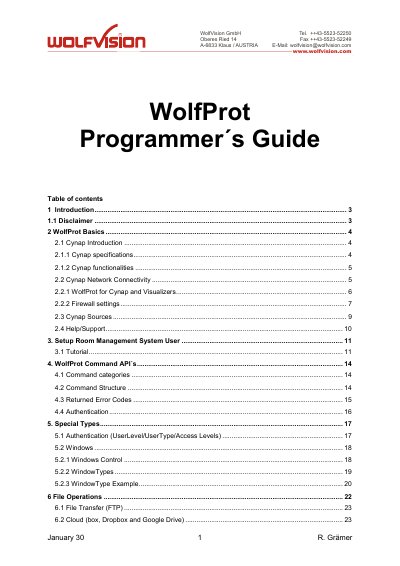
This manual serves as a guide for Room Management System developers to integrate WolfVision Cynap devices using the WolfProt protocol. It details the protocol structure, command categories, and authentication methods required to control Cynap and connected Visualizers via Ethernet and TCP/IP.
| Operating System | Linux |
|---|---|
| Memory | 8GB |
| Internal Storage | 64GB |
| Max Output Resolution | Up to 4K UHD: 2160p60 |
| Video Input | HDMI x2 (HDMI 2.0) |
| Video Output | HDMI x2 (HDMI 2.0) |
| Max Devices Displaying Content | 4 |
| Wi-Fi Standards | 802.11 ac/a/b/g/n |
It is a simple and fast way to operate Cynap from your Room Management System solution.
Port 50915 is used for unencrypted communication between the Room Management System and Cynap.
Communication with a Visualizer runs directly over Port 50916.
Yes, Cynap needs to be reactivated by Wake-On-LAN when in standby mode.