
This document is an introduction to the Vector NTI User Manual, which mainly includes topics such as display windows, molecule operations, graphical representation, BLAST search and viewer, ALIGNX, ALIGNX-BLOCKS, BIOPLOT, CONTIGEXPRESS, etc.
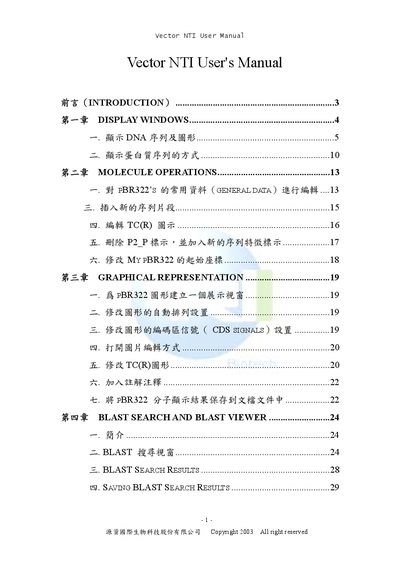
The Vector NTI User Manual provides step‑by‑step instructions for using the software’s core functions, such as creating display windows for DNA sequences, performing molecule operations, and running alignment and BLAST searches. It also explains how to manage licenses and registration keys within the suite.
The guide is organized into chapters like Display Windows, Molecule Operations, Align, AlignX‑Blocks, BioPlot, ContigExpress, and Miscellaneous Vector NTI Tools, each detailing the relevant menus, panes, and workflow for typical bio‑informatics tasks.
Open the Database Explorer, select the desired molecule (e.g., pBR322), and choose “Create a Display Window”.
Start the Vector NTI suite, open the License Manager, enter the registration key in the “Key” field, and click Apply.