
This manual provides installation instructions for TOA N-8000EX and N-8010EX IP internal communication switches, covering safety precautions, mounting…
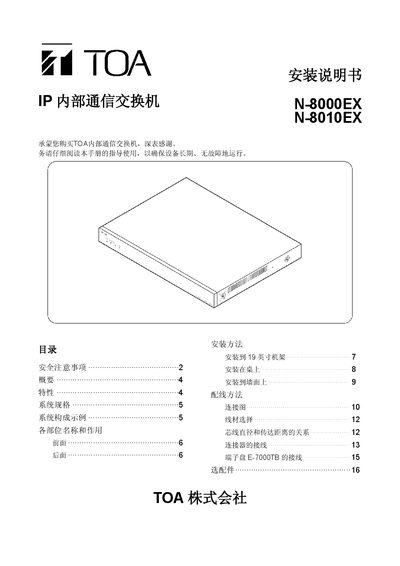
This document serves as the installation guide for the TOA N-8000EX and N-8010EX IP internal communication switches. It details safety precautions regarding power supply, water exposure, and physical placement to ensure safe operation.
The guide covers various installation methods including 19-inch rack mounting, desktop setup using plastic feet or brackets, and wall mounting with specific metal accessories. It also provides wiring diagrams for connecting the switch to AC power, UPS systems, network cables (UTP Cat5), and terminal devices via loop connectors. This manual is written in Chinese.
The device can connect a maximum of 1280 terminals by combining up to 80 switches.
The maximum power consumption of the switch is 50W.
The paging output provides a balanced signal at 0 dB, 600Ω impedance.
You must use UTP Grade 5 specification cables for the network connection.