
Key facts
- Manuals
- 9
- Categories
- 3
- Languages
- EN · ZH
- Last added
- 2026-10-02
Featured TOA manuals
TOA WB-2000-2 Ni-MH Battery Instruction Manual
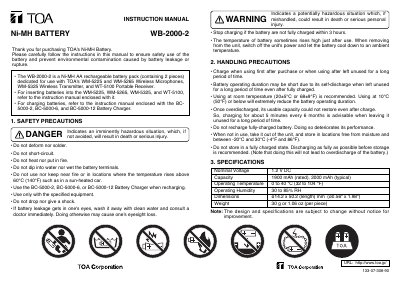
This manual explains the proper use of the TOA WB-2000-2 Ni‑MH AA rechargeable battery pack, which is dedicated for use with TOA WM‑5225, WM‑5265 wireless microphones, WM‑5325 wireless transmitter, and WT‑5100 portable receiver. It includes handling instructions, safety warnings, and charging guidelines.
Key safety precautions include avoiding deformation, short‑circuiting, heat, fire, and water exposure. The battery should be charged only with TOA BC‑5000‑2, BC‑5000‑6, or BC‑5000‑12 chargers, stored in a dry environment between –20 °C and 30 °C, and discharged as much as possible before long‑term storage.
Covers: Safety Precautions · Handling Precautions · Charging Guidelines · Specifications · Storage Recommendations
TOA 800D Series Mixer Amplifier User Manual
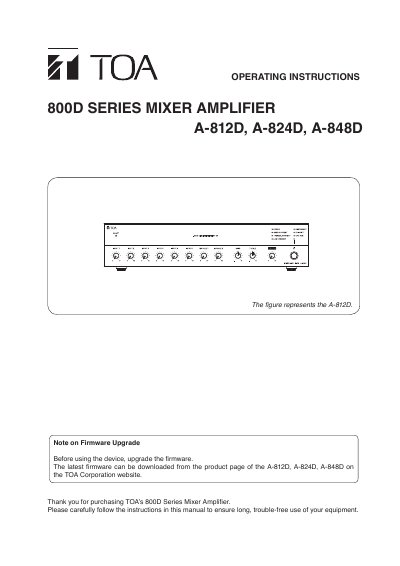
This manual covers essential safety instructions and precautions for the TOA 800D Series Mixer Amplifier, including warnings about water, power, and proper handling. It also describes the unit’s general description, features such as multiple power output levels, ducking and priority broadcast functions, and built‑in PFC circuit.
Installation guidance explains how to mount the unit on a desk or equipment rack, connect power and audio terminals, and use remote control terminals. Operational sections detail volume adjustment, chime settings, module slot usage, and how to perform resets and firmware upgrades via the web interface.
Covers: IMPORTANT SAFETY INSTRUCTIONS · SAFETY PRECAUTIONS · GENERAL DESCRIPTION · FEATURES · HANDLING PRECAUTIONS · INSTALLATION PRECAUTIONS
TOA A-1803/A-1806/A-1812 PA Amplifier User Manual
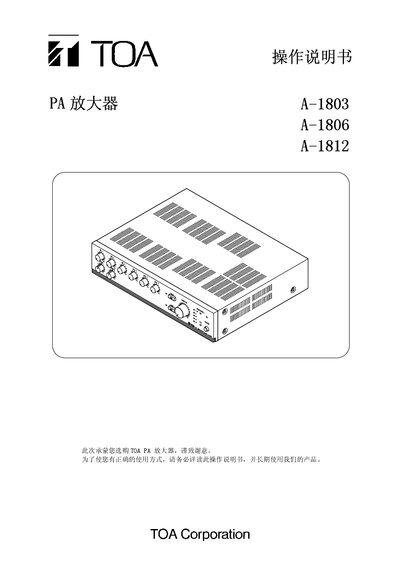
The manual provides safety instructions, product features, and detailed descriptions of each panel element for the TOA A‑1803, A‑1806 and A‑1812 PA amplifiers. It explains how to connect speakers, microphones, auxiliary inputs, emergency and telephone inputs, and how to configure function switches and zone selectors.
Installation guidelines, dimension drawings, internal modification settings, a wiring diagram, full technical specifications and a list of accessories are also included to help users set up and maintain the amplifiers safely. This manual is written in Chinese.
Covers: Safety Instructions · Product Features · Front and Back Panel Overview · Speaker and Input Connections · Function Switch Settings · Installation Method
TOA SX-2000 Network Audio Matrix System User Manual
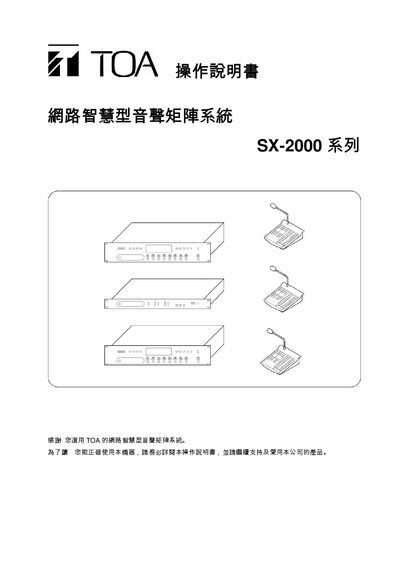
The TOA SX-2000 network audio matrix system integrates a system controller (SX-2000SM), audio input units (SX-2000AI), audio output units (SX-2000AO), and optional remote microphone modules (RM-200S, RM-210). It is rack‑mountable in a standard 1U chassis and provides eight control inputs, eight control outputs, dual power supplies, and LAN connectivity.
The user manual explains the functions of each component, how to install and configure CF cards, use DIP switches, operate indicator lights, adjust volume, and perform broadcast operations, including emergency and BGM broadcasts. It also details troubleshooting steps such as fault reset and lamp test. This manual is written in Chinese.
Covers: System Controller (SX-2000SM) Overview · Audio Input Unit SX-2000AI · Audio Output Unit SX-2000AO · Remote Microphone RM-200S and Expansion Unit RM-210 · Operation Procedures · CF Card Usage
Latest TOA manuals
TOA WB-2000-2 Ni-MH Battery Instruction Manual
User Manual 2 pages · 528 KB · ENThe TOA WB-2000-2 Ni-MH Battery Instruction Manual provides safety, handling, charging, and specification details for the rechargeable AA battery pack.
TOA 800D Series Mixer Amplifier User Manual
User Manual 28 pages · 3.9 MB · ENThe TOA 800D Series Mixer Amplifier User Manual provides safety instructions, installation steps, connection details, and operation settings.
TOA A-1803/A-1806/A-1812 PA Amplifier User Manual
User Manual 16 pages · 511 KB · ZHOperation manual for TOA A-1803, A-1806 and A-1812 PA amplifiers covering safety, installation, wiring, functions and specifications.
TOA CA-115/-130/-160 CAR AMPLIFIER INSTRUCTION MANUAL
This document is an instruction manual for a car amplifier, which describes the nomenclature and function of the product, installation method, and connection instructions.
TOA Digital Mixer digit Mix CPU Manual
TOA M-1264 M-1212E STEREO MIXERS Manual
TOA SX-2000 Network Audio Matrix System User Manual
User Manual 69 pages · 1.7 MB · ZHThis manual provides operating instructions for the TOA SX-2000 network audio matrix system, covering controller, input/output units, remote microphone…
TOA DA-250F/DA-250FH Multichannel Power Amplifier User Manual
User Manual 19 pages · 566 KB · ZHTOA DA-250F and DA-250FH multichannel power amplifier user manual with safety, installation, wiring and specifications.
TOA EV-350R Digital Voice Player User Manual
User Manual 88 pages · 3.3 MB · ZHThe TOA EV-350R digital voice player user manual provides safety guidelines, operation instructions, setup steps, and technical specifications.
Which document do I need?
User Manual
Day-to-day operation, settings and troubleshooting. Start here if the product is already set up.
Questions answered in TOA manuals
Which devices are compatible with the WB-2000-2 battery?
The WB-2000-2 is dedicated for use with TOA's WM‑5225 and WM‑5265 wireless microphones, WM‑5325 wireless transmitter, and WT‑5100 portable receiver.
How should the WB-2000-2 be stored when not in use?
Store the battery in a moisture‑free environment at temperatures between –20 °C and 30 °C, and discharge it as fully as possible before long‑term storage.
How can I adjust the chime volume?
Rotate the chime volume control knob clockwise to increase the chime volume or counter‑clockwise to decrease it.
What are the available power output levels for the different models?
The A‑812D provides 120 W, the A‑824D provides 240 W, and the A‑848D provides 480 W of power output.
How do I insert the CF card into the system controller?
Remove the protective cover, ensure DIP switch 2 is OFF, insert the CF card into the slot, and press the reset key to restart the system.
What does the Emergency indicator light indicate?
The Emergency light turns on when the CPU is off or when an SX-2000AO triggers an emergency 24 V cut‑off.