
This manual provides operating instructions for the TOA SX-2000 network audio matrix system, covering controller, input/output units, remote microphone…
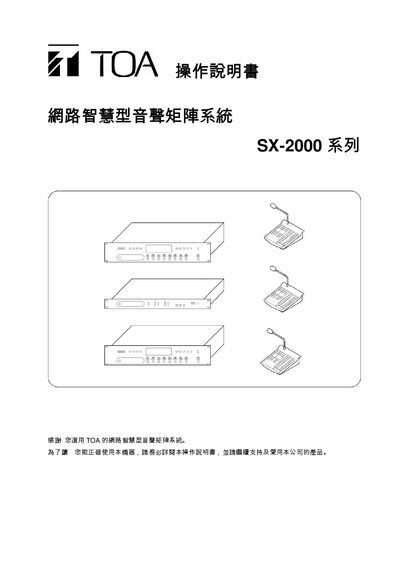
The TOA SX-2000 network audio matrix system integrates a system controller (SX-2000SM), audio input units (SX-2000AI), audio output units (SX-2000AO), and optional remote microphone modules (RM-200S, RM-210). It is rack‑mountable in a standard 1U chassis and provides eight control inputs, eight control outputs, dual power supplies, and LAN connectivity.
The user manual explains the functions of each component, how to install and configure CF cards, use DIP switches, operate indicator lights, adjust volume, and perform broadcast operations, including emergency and BGM broadcasts. It also details troubleshooting steps such as fault reset and lamp test. This manual is written in Chinese.
| Rack Mount Size | 1U (44.5 mm) |
|---|---|
| Control Inputs | 8 |
| Control Outputs | 8 |
| Power Inputs | 2 |
Remove the protective cover, ensure DIP switch 2 is OFF, insert the CF card into the slot, and press the reset key to restart the system.
The Emergency light turns on when the CPU is off or when an SX-2000AO triggers an emergency 24 V cut‑off.
Use the volume control knob on the front panel of the SX-2000AI or SX-2000AO after turning the channel ON with the ON/OFF key.