
Operation guide for the Thermo Scientific Orion Star A211 benchtop pH meter, covering power, electrode connection, calibration, measurement and settings.
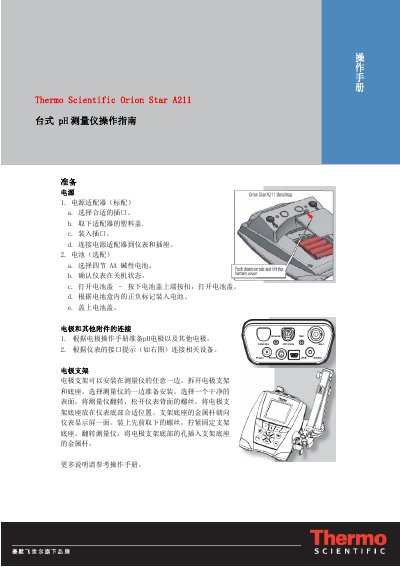
The guide explains preparing the Thermo Scientific Orion Star A211 benchtop pH meter with a power adapter or four AA alkaline batteries, connecting pH and other electrodes, and installing the electrode stand.
It covers display icons, keypad functions, 1-5 point pH calibration, measurement, setup menu navigation, pH buffer group selection, read type selection, and viewing stored calibration data. This manual is written in Chinese.
| Power source | Power adapter (standard) |
|---|---|
| Battery type | Four AA alkaline batteries (optional) |
| pH calibration points | 1 to 5 buffer calibration points |
| USA buffer group | pH 1.68, 4.01, 7.00, 10.01 and 12.46 |
| DIN buffer group | pH 1.68, 4.01, 6.86 and 9.18 |
| Read types | Auto, Continuous or Timed |
| Display measurement units | pH, mV, RmV (relative mV) or ORP |
| Temperature source | MAN (manual input) or ATC (temperature electrode measurement) |
The meter can perform 1 to 5 buffer calibration points.
The meter can use the USA or DIN buffer group.
The available read types are Auto, Continuous and Timed.
In measurement mode, open Calibration Log, select pH Channel, then choose pH, RmV, ORP or Temperature.