
Tenda N300 4G VoLTE Router quick installation guide covering package contents, LED indicators, ports, setup, internet access, and FAQ.
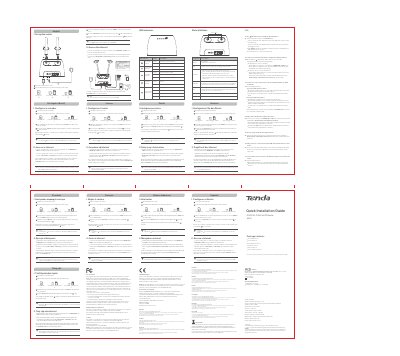
This Tenda N300 (4G06) Wi-Fi 4G VoLTE Router Quick Installation Guide explains the package contents, LED indicators, ports and buttons, and initial router setup. It describes inserting a SIM card, attaching antennas, connecting wired and wireless devices, and accessing the internet.
The guide also covers logging in to the web UI at tendawifi.com, changing the Wi-Fi name and password, and troubleshooting common issues. It includes regulatory and conformity statements, operating environment details, and power adapter specifications.
| Operating frequency (EU) | 2.4 GHz: EU/2400-2483.5MHz (CH1-CH13) |
|---|---|
| Maximum EIRP power (2.4 GHz) | 2.4 GHz < 20dBm |
| Software version | V16.03.07 .X |
| Operating temperature | 0°C-40°C |
| Operating humidity | (10 - 90) %RH, non-condensing |
| Adapter model | BN037-A12012E, BN037-A12012B |
| Adapter input | 100-240V AC 50/60Hz 0.4A |
| Adapter output | 12V/1A |
Log in to the router's web UI, navigate to Wi-Fi Settings > Wi-Fi Name & Password, and customize your Wi-Fi name and password.
The SIM card can only be used to access the internet under the 3G/4G router mode; the 3G/4G router mode and wireless router mode are different operating modes.
Hold down the RST/WPS button for about 8 seconds, and release it when all LED indicators light off and then light up.
Ensure that the LED indicator lights solid on. For wired devices, also ensure the computer is connected to port WAN/LAN or LAN properly.