
TCL S4108M/S2916F1/S2924F1 Network Switch User Manual

This manual provides installation, management, and troubleshooting instructions for the TCL S4108M, S2916F1, and S2924F1 managed network switches.
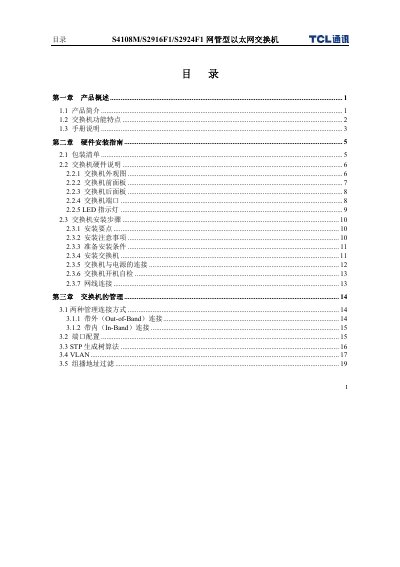

TCL S4108M/S2916F1/S2924F1 Network Switch User Manual - cover page
Brand
TCL
Category
Network Switches
Document type
User Manual
Language
Chinese
Pages
81
File format
PDF
File size
1.4 MB
Published
20 September, 2011
Updated
17 October, 2026
MD5 checksum
C3ED7DCD34F4487272B61C338A0E486E

About this manual

The document serves as a user guide for the TCL S4108M/S2916F1/S2924F1 series of managed Ethernet switches. It covers product features such as port isolation, VLAN support, QoS, and IGMP Snooping. The manual details hardware installation steps, including unpacking, power connection, and cabling requirements for copper and fiber ports. This manual is written in Chinese.

What's inside

  • Product Introduction
  • Hardware Installation Guide
  • Switch Management (CLI/Web)
  • VLAN Configuration
  • Troubleshooting
  • Port Specifications
  • Safety Precautions

Frequently asked questions

What is the maximum switching capacity of the S2924F1 model?

The S2924F1 model has a switching capacity of 5.4G.

What type of cable is required for 100Mbps connections?

100Mbps connections require 100-ohm CAT 5 class UTP or STP cable.

Can this switch be connected using a crossover cable?

Yes, the switch supports automatic MDI/MDI-X detection, allowing the use of standard crossover cables.

Download PDF (1.4 MB)

More TCL Manuals


View all TCL manuals →