
S4108M/S2916F1/S2924F1 Managed Ethernet Switch is a high-performance, reliable and easy-to-manage Ethernet switch, which supports multiple network protocols and can be widely used in enterprise, campus, data center and other network environments.
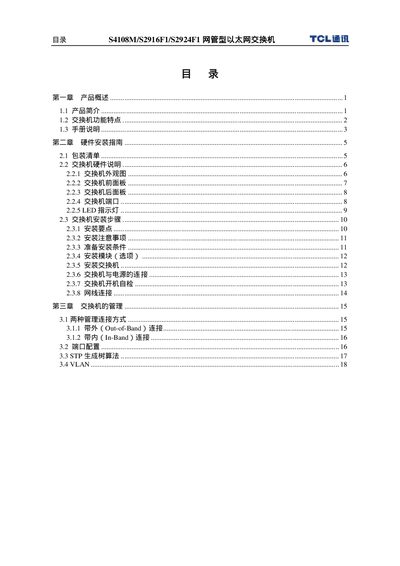
This manual introduces the TCL S4108M, S2916F1 and S2924F1 network switches, describing their hardware layout, RJ‑45 port counts and supported Ethernet speeds. It details how to install the devices, configure ports, and set up VLANs, STP, QoS and other network features.
The document also explains the various management methods available, including console, Telnet, Web GUI and SNMP, and provides instructions for monitoring, firmware updates, and troubleshooting common issues. This manual is written in Chinese.
| RJ‑45 ports | 8 / 16 / 24 |
|---|---|
| Ethernet speed | 10/100 Mbps |
| MDI/MDI‑X support | Auto‑MDI/MDI‑X |
| VLAN standard | 802.1Q |
| Priority tagging | IEEE802.1p |
The S4108M has 8 RJ‑45 ports, the S2916F1 has 16 ports, and the S2924F1 has 24 ports.
Yes, they support 802.1Q VLAN tagging and related VLAN configuration.
All RJ‑45 ports operate at 10 Mbps or 100 Mbps.