
This manual provides instructions for installing, setting up, and troubleshooting the SUNDING NO OFF bicycle computer.
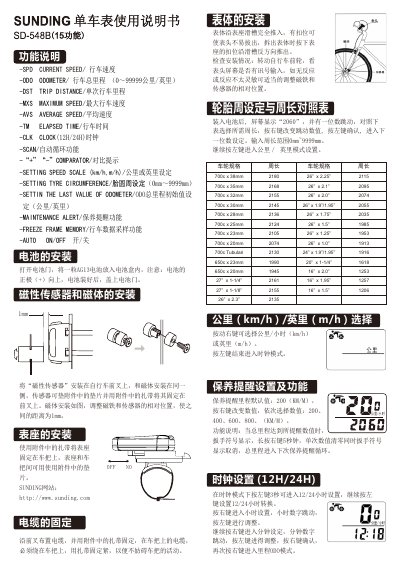
The SUNDING NO OFF bicycle computer measures speed, distance, and time using a magnetic sensor and magnet system. It features multiple modes including Odometer, Trip Distance, Maximum Speed, Average Speed, and Elapsed Time, along with a clock and automatic scan function. This manual is written in Chinese.
| Speed Resolution | +/- 0.1 km/h |
|---|---|
| Speed Range | 0~99.9 km/h |
| Trip Distance Range | 0.001~9999 km |
| Timer Range | 0:00:00~99:59:59 |
| Tyre Circumference Range | 0mm~9999mm |
| Battery Type | AG13 |
Open the battery door and insert one AG13 battery with the positive (+) side facing up.
After inserting the battery, the screen shows '2060'. Use the right button to change the value and the left button to confirm.
The screen goes black if the temperature is too high or if the device has been exposed to sunlight for too long.
In the DST mode, press the left button for 5 seconds to clear the DST value, which also clears MXS, AVS, and TM values.