
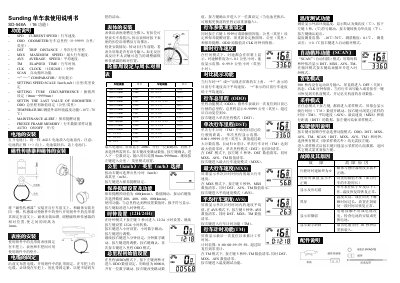
This manual provides step-by-step instructions for installing and configuring the Sunding SD-548A bicycle computer. It details how to mount the sensor and magnet, set tire circumference, choose units (km/h or mph), and configure maintenance alerts. The device also features functions such as trip distance, maximum speed, average speed, elapsed time, and temperature measurement.
The manual includes troubleshooting tips for common issues like zero speed readings, display lag, or black screens, and lists compatible wheel sizes with their corresponding circumferences for accurate speed calculation. This manual is written in Chinese.
| Maximum Speed Measurement | 99.9 km/h (or mph) |
|---|---|
| Odometer Range | 0~99999 km (or miles) |
| Temperature Measurement Range | -10℃~70℃ |
| Battery Type | AG13 |
| Tire Circumference Setting Range | 0mm ~ 9999mm |
Mount the magnetic sensor on the bicycle’s fork and the magnet on the same side. Adjust the distance between them to 1mm using the provided pad and strap.
The device measures external temperature from -10℃ to 70℃ with a precision of 0.1℃.
After inserting the battery, the screen displays 2060 with a digit blinking. Use the right button to change the value and the left button to confirm and move to the next digit. Input ranges from 0mm to 9999mm.
When the total mileage reaches the set value, a wrench symbol appears. Pressing the left button cancels the alert and enters clock mode.